

NotebookLM




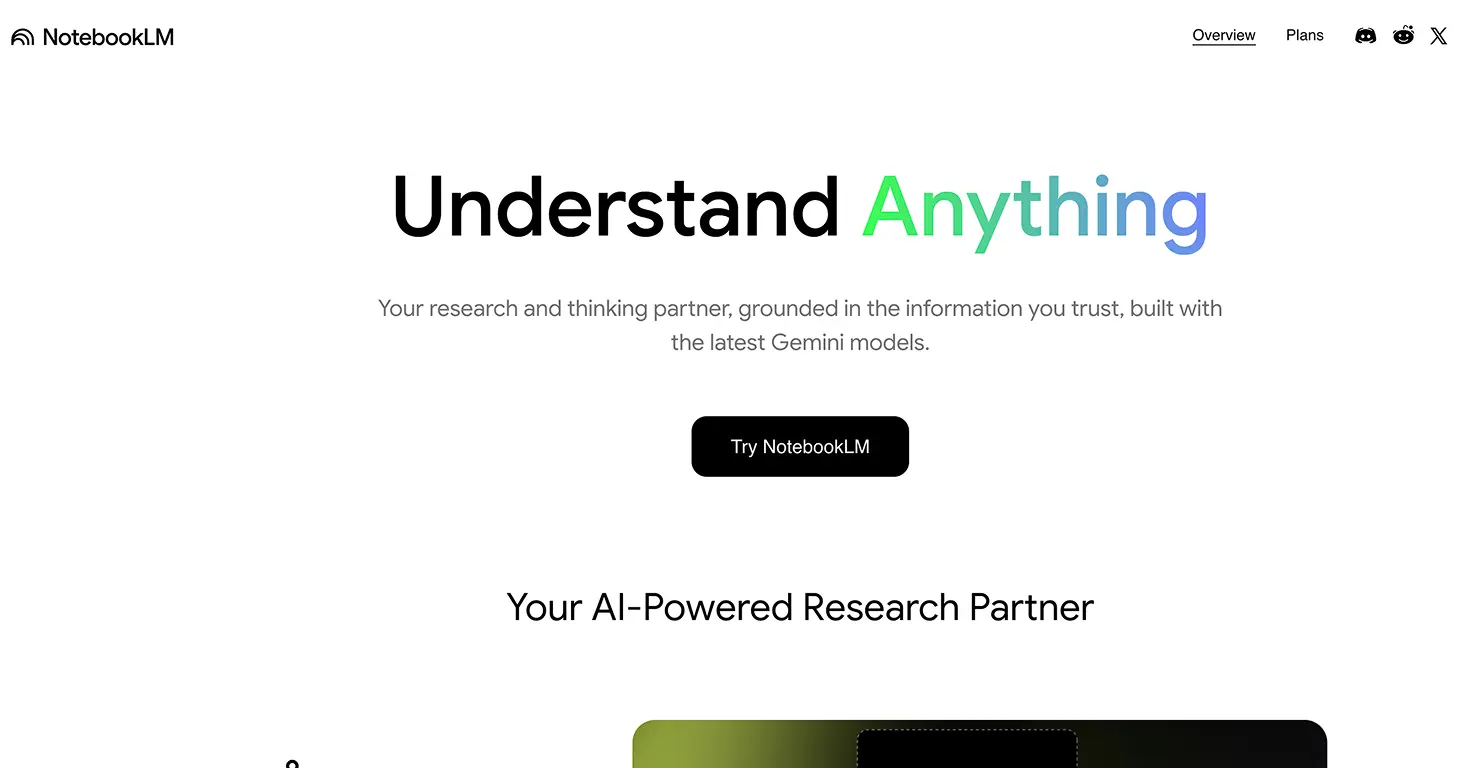



NotebookLM is Google's AI-powered research and learning assistant (originally "Project Tailwind" from Google I/O 2023) that works exclusively with documents you upload, dramatically reducing the "hallucination" problem that plagues other AI tools.
Unlike ChatGPT or other general AI assistants, NotebookLM only answers questions based on your uploaded sources - PDFs, Google Docs, websites, YouTube videos, and audio files - providing clickable citations you can verify with every response.
The standout feature for families is Audio Overview, which transforms documents into an engaging podcast-style conversation between two AI hosts who discuss, explain, and make connections - one parent reported his 8-year-old daughter stayed "completely engaged for a full 9 minutes" listening to an AI-generated geology lesson about tectonic plates.
Beyond audio, NotebookLM generates video overviews, interactive mind maps, flashcards, quizzes, and study guides from any uploaded content - making exam prep faster while keeping everything grounded in actual course materials rather than AI-generated guesses.
Video tutorial
Safety



Key Features
- Source-grounded AI responses eliminate hallucinations by only answering from your uploaded documents with clickable citations that link directly to the exact paragraph in your PDF, teaching students to verify information rather than blindly trust AI.
- Audio Overview podcasts transform dense textbooks into engaging conversations between two AI hosts who "ask the dumb questions" and explain concepts simply - one parent found even his 8-year-old stayed glued for 9 minutes learning about subduction zones.
- Video overviews and mind maps create visual summaries that show connections between concepts, helping visual learners see the "big picture" of how ideas relate - particularly useful for students who struggle to structure information.
- Automatic study material generation creates flashcards, quizzes, FAQs, timelines, and study guides with one click - one student reported "getting high grades since using NotebookLM" for summarizing and creating study materials.
Family Projects
- Creating podcast study sessions from textbook chapters where students upload their reading materials, generate Audio Overviews, then listen together as a family and discuss key concepts - turning homework into shared learning time.
- Building family research notebooks for vacation planning, home projects, or major purchases by uploading reviews, guides, and articles, then querying the AI to compare options and surface insights from across all sources.
- Developing exam prep stations where students upload class notes, textbook chapters, and lecture recordings, then use the automatic quiz and flashcard generators to create comprehensive review materials they actually want to use.
- Teaching research verification by having students upload multiple sources on a topic, ask NotebookLM questions, then click the citations to trace claims back to original documents - building critical media literacy skills.
- Creating YouTube lecture libraries by uploading video links from educational channels, then generating searchable study guides from hours of content that students can query conversationally instead of rewatching entire videos.
Pricing