

Udio




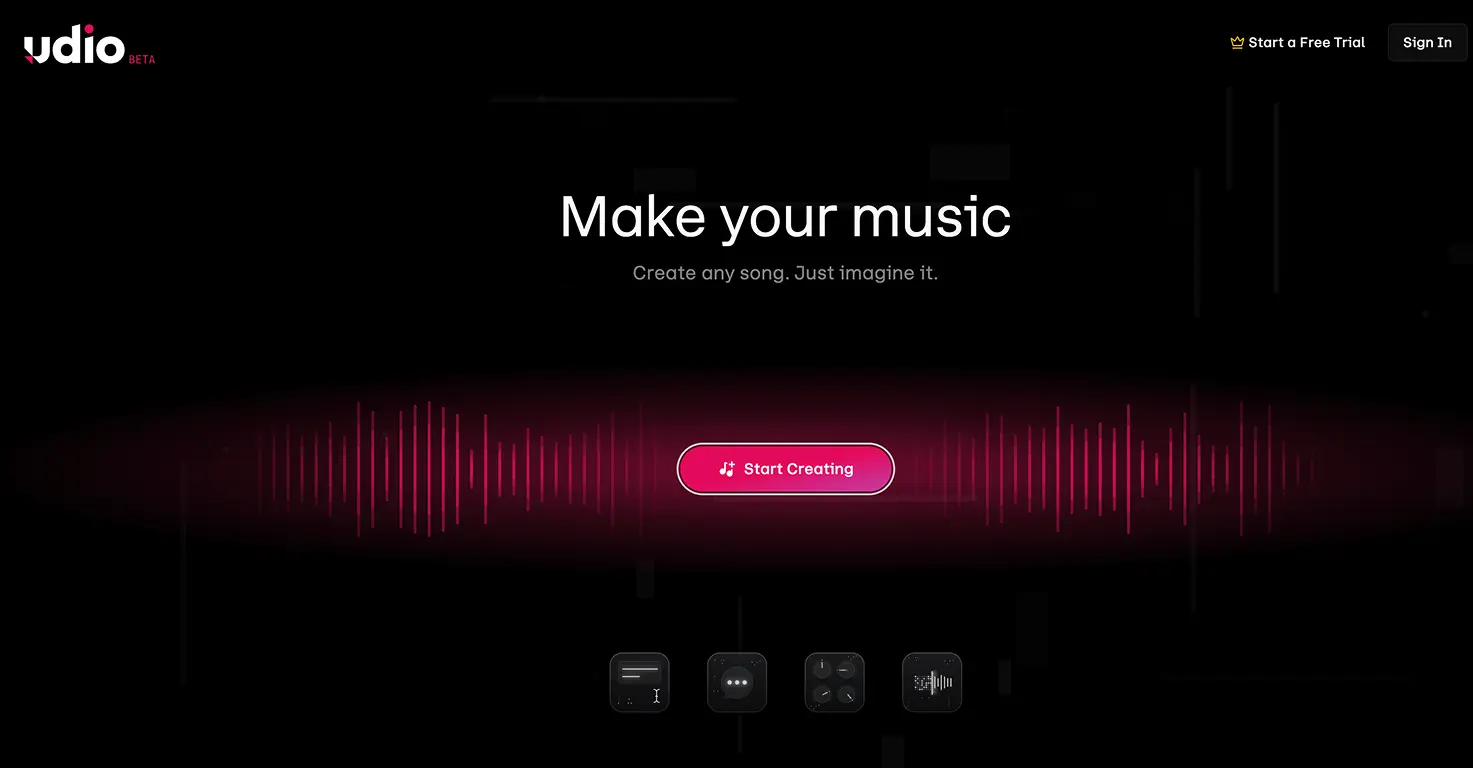



Udio is an AI music generator that creates full songs with vocals and instrumentals from text prompts. Describe the style, mood, and genre you want, and it produces a complete track in under a minute. After settling with Universal Music Group in late 2025, Udio now trains on licensed music, putting it on more solid legal ground than most AI music tools.
The tool works well for families because kids can describe what they want in plain English. Our 8-year-old asked for "a happy pop song about our dog eating spaghetti" and had a finished track with vocals in 45 seconds. The free tier gives you 10 credits per day (roughly 1-3 songs), enough for a quick family music session without spending anything.
Udio's 2026 model handles multiple languages, different vocal styles from pop to opera, and lets you regenerate individual sections instead of starting from scratch. Stem separation pulls out vocals or instruments separately, opening up remix projects and karaoke sessions at home. After 3 months of testing and 100+ songs, it has become a regular part of our family creative time.
Video tutorial
Safety



Key Features
- Full songs from text prompts including vocals, instrumentals, and lyrics generated in under a minute. Our kids type silly requests and get polished tracks back every time, which keeps them creating for hours.
- Stem separation lets you pull apart vocals and instruments into separate tracks. This opens up karaoke sessions, remix projects, and lets kids layer their own recordings over AI-generated beats at home.
- Multi-language vocal generation creates songs in dozens of languages with genre-specific singing styles from pop to opera. Our kids made songs in Spanish for school and Irish for fun with decent pronunciation.
- Section-by-section editing means you can regenerate just the chorus or bridge without starting the whole song over. Kids pick up song structure naturally while tweaking individual parts to get them right.
Family Projects
- Creating a family theme song where each person picks their verse topic and style. Kids learn about song structure while making something everyone sings at dinner for weeks.
- Making background music for school presentations and class projects. Our 8-year-old added original music to a science fair poster video and his teacher was genuinely impressed.
- Building a bedtime playlist with personalised lullabies featuring your child's name and favourite things. The calm instrumental styles work well for winding down.
- Exploring world music by generating songs in different languages and cultural styles. Turn it into a geography lesson by matching each song to a country on the map.
- Running a family remix challenge using stem separation to swap vocals and instruments between songs. Kids vote on the funniest mashup each week.
Pricing