Best AI Drawing Games for Kids: 5 We Tested (Free, 2026)
ON THIS PAGE
Subscribe To Get Weekly Family AI Discoveries

- The best AI drawing games need zero art skill, which makes them perfect for younger kids who get frustrated with "real" drawing apps
- Quick, Draw! and AutoDraw are the fastest to start: no signup, no download, works on any device
- Artbitrator and Doodle Duel add competitive and scoring elements that keep kids engaged longer
- KidGeni's doodle-to-art feature is fun but has a serious data privacy history parents should know about
- Scribble Diffusion looked promising but didn't work when we tested it. We dropped it from our recommendations.
- Every tool here is free or has a free tier generous enough for at least one full session
My 6-year-old daughter loves to draw. Give her a pencil and paper and she'll sit for 30 minutes making unicorns, rainbows, and houses with improbably large chimneys.
So when I started testing AI drawing games with her, she was already the perfect audience. She didn't need convincing to sit down and draw. The question was whether these tools would add something to her experience or just get in the way.
Over a few sessions, I tested 5 AI drawing games and tools with her. Some are games where you draw and the AI responds. Others take a child's sketch and transform it into something polished. All of them are free to try (or have a free tier that gets you through at least one proper session).
This guide covers both types, sorted by what actually held her attention. Every tool was tested on our family iPad, and I've noted exactly where each one works and where it falls apart.
Not sure which tool is right for your child?
Take our free 2-minute quiz and get personalized AI tool recommendations based on your child's age and interests.
Two types of AI drawing games (and why it matters)
When you search for "AI drawing games," you get two very different things mixed together. Knowing which type your child wants saves a lot of frustration:
I've covered both below because most kids bounce between them. Some sessions my daughter wanted to compete. Other times she wanted to see her drawings "come alive." Both are valid entry points.
5 AI drawing games and tools we tested
1. Quick, Draw! (ages 5+, no signup)
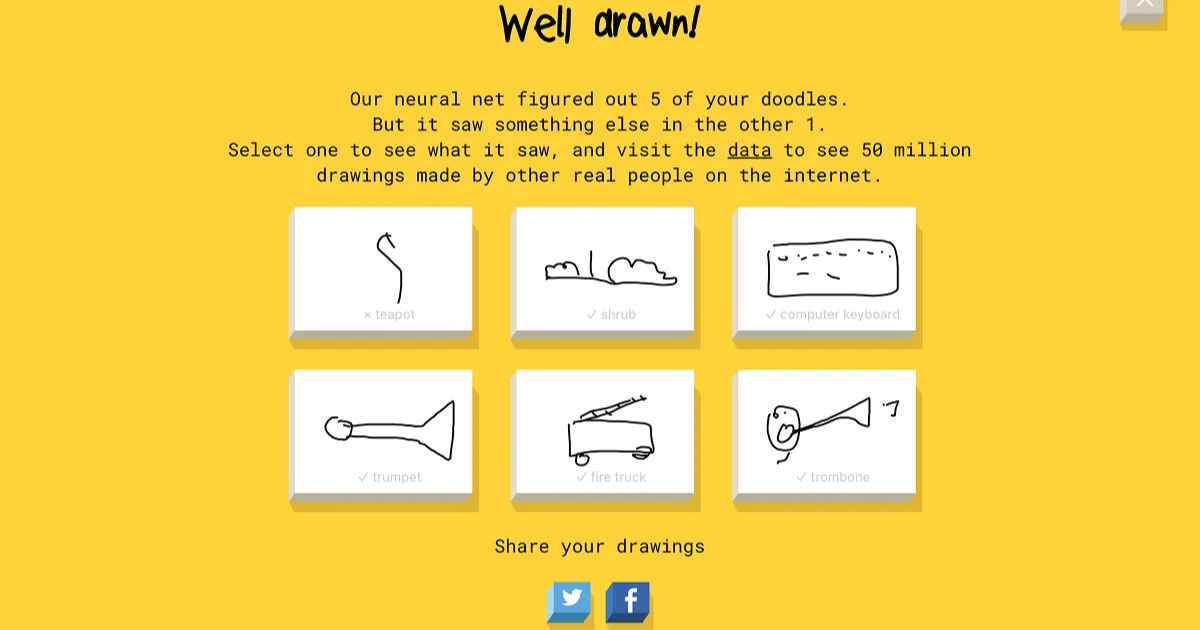
What it is: Google's classic drawing game. You get 20 seconds to sketch something, and the AI guesses what it is in real time, showing its top predictions as you draw.
Cost: Completely free. No account. Works in any browser.
What happened when we tested it:
This was the clear winner. Maria absolutely loved it. She already likes to draw, and the 20-second timer turned it from a creative activity into an exciting challenge.
The format is simple: you get six items to draw, one at a time. The neural network behind Quick, Draw! tries to identify what you're drawing before the 20 seconds run out. If it guesses correctly, you move on. If the timer expires, the yellow screen drops and you get the next prompt.
Maria is still learning to read, so I would read each word to her and then she'd draw. Some rounds she got all six right. Others she managed one or two. The difficulty is about right for a 6-year-old. She asked if the timer could be longer, and I looked for settings but there aren't any. Honestly, 20 seconds is the sweet spot. Longer would kill the energy.
There were a few times where she wasn't sure if she'd got it right because the guess came at the very end of the countdown. I'd tell her at the end which ones she nailed. We did three rounds and she was begging for more, but I told her it would be an activity for tomorrow.
💡 Parent Insight: The unexpected bonus: vocabulary. Words would come up that Maria didn't know. Raccoon. Tornado. Cactus. Angel. Each time we'd pause, I'd Google it and show her a picture. She called a cactus "that prickety plant" which was close enough. So it's not just a drawing game. It's quietly building vocabulary too, especially for kids under 7 who haven't encountered every word yet.
Best for: Quick sessions (5-10 minutes) and showing kids how AI "sees" patterns. The 20-second timer keeps energy high, and the vocabulary exposure is a genuine bonus for younger kids.
Supervision level: Minimal. No chat, no user content, no accounts. You might need to read the prompts for kids who can't read yet.
Read our full Quick, Draw! review.
2. Google AutoDraw (all ages, no signup)

What it is: You sketch something rough, and the AI suggests polished clip art versions of what it thinks you're drawing. Tap a suggestion and your messy doodle becomes a clean illustration.
Cost: Completely free. No account needed. Browser-based.
What happened when we tested it:
AutoDraw is more of a creative tool than a game, and it's a step up in complexity from Quick, Draw!. Maria was engaged, but there were friction points.
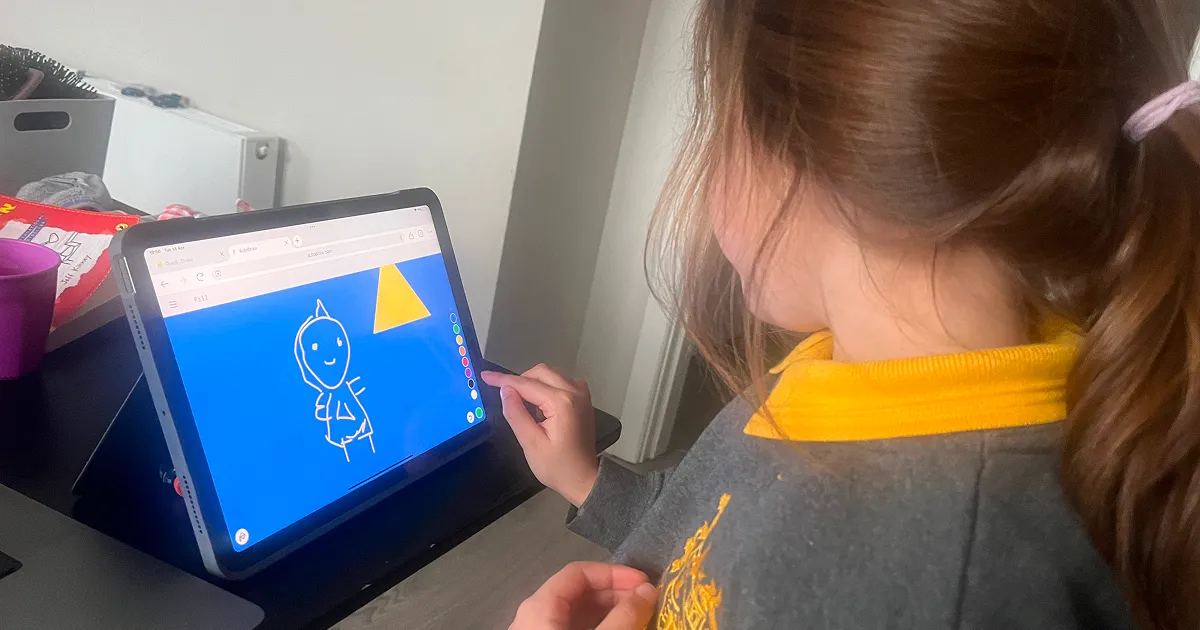
She wanted to draw a beach scene: blue sky, yellow sun, orange sand. But every time she drew something and then went to change the colour (bottom right corner), it changed the colour for everything she'd already drawn. That frustrated her.
The fix is in the bottom left corner. There are six options: select, draw, type, fill, shape, and auto-draw. To draw something new in a different colour on top of existing work, you need to select the auto-draw tool again. This isn't intuitive for a 6-year-old. Even I had to play around with it for a few minutes to get the hang of it.
The AI suggestion feature is clever. When Maria drew something that looked like sunglasses, AutoDraw recognised it and offered a row of polished sunglasses illustrations at the top. Tap one and it replaces your sketch with the finished version. Good for making an intricate image look professional.
💡 Parent Insight: But here's my hesitation: that feature basically takes over the creative work. If you draw a hairbrush or a bowl, it replaces your child's version with a polished one. It could make them lazy. I haven't pointed that feature out to Maria yet because I'd rather she keeps drawing her own pictures.
Having said that, it's still good interactive screen time. Drawing on a digital canvas is better than passively watching videos or playing games with no creative input.
Best for: Younger kids and anyone who gets frustrated that their drawings don't look "good enough." Just be intentional about when to use the AI suggestion feature and when to let them draw freestyle.
Supervision level: Low. The output is pre-made clip art, so nothing unexpected can appear. You might need to help younger kids navigate the toolbar.
3. Doodle Duel (ages 6+, account required)

What it is: A drawing game where players sketch prompts and the AI scores them on accuracy. Can be played solo (Arcade Mode) or multiplayer.
Cost: Free, but requires an account to play.
What happened when we tested it:
Maria and I played Arcade Mode (single player). You get 10 prompts, draw each one, and the AI grades you on accuracy out of 100. She scored 72 out of 100 on her first attempt, which felt about right. She could see her score for each drawing immediately after submitting, which kept her motivated.
💡 Parent Insight: She really enjoyed it. The scoring system gives it more structure than Quick, Draw!, and there's a sense of progression. You can also create rooms and play multiplayer, but we stuck with Arcade Mode for this session.
The downside: you do need to register and create an account. That's a step up from Quick, Draw! and AutoDraw which require nothing. But it also means Doodle Duel has more depth in its features, leaderboards, and game modes.
Best for: Kids who like seeing a score and tracking improvement. The multiplayer mode could be great for siblings or playdates, though we haven't tested that yet.
Supervision level: Low. Pre-set prompts, no custom text input between players. Account creation requires a parent.
4. Artbitrator (ages 5+, free as guest)

What it is: An AI drawing game with different difficulty levels. You draw based on category prompts and the AI evaluates your work. Has a similar canvas to AutoDraw with colour and shape options.
Cost: Free as a guest. Premium features require an account (sign up to save progress and stars).
What happened when we tested it:
Artbitrator is similar to Doodle Duel in concept but structured differently. You choose between easy, medium, and hard modes. We played as a guest on easy mode, which had three categories: Animals, Moods and Relatable, and Silly and Fun.
The canvas is similar to AutoDraw, with colour options and shape tools, but without the frustration of having to tap to reveal the colour palette each time. Maria found this more intuitive than AutoDraw's toolbar.
As you progress through the levels, you earn stars. If you sign up for an account you can save those stars, but guest mode worked fine for a single session. We didn't try medium or hard mode.
Best for: Kids who want a structured drawing activity with categories to choose from. The difficulty levels give it replay value.
Supervision level: Low. Guest mode requires no personal information.
5. KidGeni (ages 5-12, free tier with account)

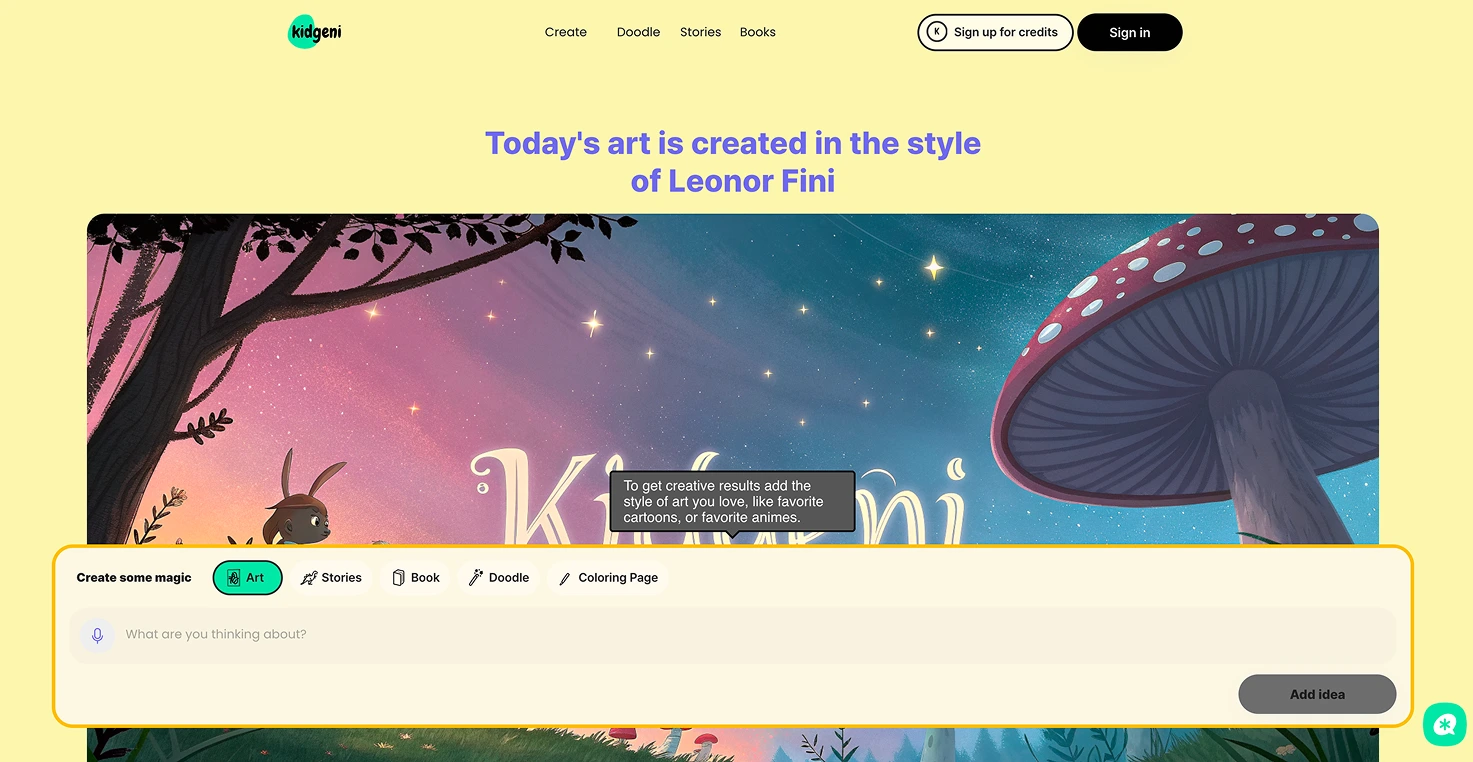
What it is: A kid-focused AI art platform with a doodle-to-art feature, story generator, and print-on-demand merchandise. You draw a picture, describe what it is, and the AI generates a polished version.
Cost: 15 free art pieces on signup. Unlimited plan is $14.99/month.
What happened when we tested it:
The doodle feature is straightforward. Maria drew a picture, then I helped her type a description of what she drew. Hit generate, and KidGeni produced an AI version of it. The concept is fun, especially for kids who want to see their sketches transformed.
We also tried the story generator. You type a story idea, pick an age range (under 3, 4-6, 7-10, 10-12, or 13+), and choose a language. I typed "a unicorn delivering pizzas to a kids' birthday party." The story was four paragraphs long and did an okay job with the concept. You can expand and add to the story afterwards, but each expansion uses more credits. The image that came with the story wasn't great.
The 15 free art pieces sounds generous until you realise that a single story session with an expansion or two can burn through several. It's not a real free tier.
⚠️ Important for parents: In August 2024, the Children's Advertising Review Unit (CARU) found KidGeni in violation of COPPA for collecting children's personal data without parental consent, launching without a privacy policy, and sharing data with third-party AI training services. KidGeni agreed to remediate but stated it disagreed with the findings. Content filtering is excellent (blocked 100% of inappropriate prompts in independent testing), but the data privacy history is something parents should weigh seriously.
Best for: Kids who want the doodle-to-art experience in a platform built for children. The story generator with age ranges is a nice bonus. Just go in with eyes open on the privacy history.
Supervision level: High given the COPPA history. Review the current privacy policy before creating an account.
Read our full KidGeni review.
Quick comparison
Tool · Ages · Type · Signup · Cost
Quick, Draw! · 5+ · Draw + guess · No signup · Free
AutoDraw · 3+ · Sketch to clip art · No signup · Free
Doodle Duel · 6+ · Scored drawing · Account required · Free
Artbitrator · 5+ · Categorised drawing · No signup (guest) · Free
KidGeni · 5-12 · Doodle to art · Account required (parent) · 15 free / $14.99/mo
Which AI drawing game should your kid try first?
Based on testing with my 6-year-old:
What we'd skip (and why)
Scribble Diffusion looked promising on paper: draw a sketch, type a prompt, get AI-generated art. But when we created an account and tried to use it, the free plan gave us 3 credits and then refused to generate anything. We kept getting "invalid status text" errors. The interface also feels more corporate than kid-friendly. I wouldn't recommend it for children.
The bottom line
Quick, Draw! was the clear winner in our house. My daughter did three rounds, begged for more, and learned what a raccoon, a tornado, and a cactus look like in the process. For a free game that needs no signup and runs in any browser, that's hard to beat.
AutoDraw and Artbitrator are solid second choices depending on whether your child prefers freeform creativity or structured challenges. KidGeni has the most features but the weakest trust profile.
Start with Quick, Draw!. See if your child catches the drawing bug. Then try AutoDraw for the creative kids or Doodle Duel for the competitive ones.
For more AI games beyond drawing, see our full Best AI Games for Kids roundup, or check out the free AI games that need no signup at all.
Get a tested AI tool every Friday. I send one recommendation per week, tested with my kids that same week. No fluff, no sponsors, just what actually worked. Join 500+ parents in the AI Tools for Kids newsletter.