





11 AI Games for Students That Actually Teach Something (2026)
ON THIS PAGE
Subscribe To Get Weekly Family AI Discoveries

- The best AI games for students teach concepts like training data, bias, and pattern recognition without feeling like a lesson
- Code.org and Teachable Machine are the strongest classroom-ready options with no cost and no setup
- Minecraft's Reed Smart AI Detective is the only game that teaches deepfake detection in a platform kids already use
- Most of these work on school Chromebooks and iPads with no software installation needed
- Parents can use the same activities at home for 15-30 minute learning sessions
When my nephew's teacher sent home a note asking parents to "talk to your children about AI," my sister had no idea where to start. And honestly, neither do most teachers. A classroom discussion about artificial intelligence sounds abstract until you put a game in front of them.
I've spent the past year testing AI tools with kids of different ages, and last month I sat down with my nephew Adam (12) and niece Chloe (13) to test the ones aimed at students. The tools that taught them the most weren't labelled "educational" at all. They were games where they trained models, spotted patterns, and discovered how machines "see" things. The learning happened without anyone noticing.
This guide covers 9 AI games that work both in classrooms and at the kitchen table. Every option here is either free or has a free tier, runs in a browser, and teaches a real AI concept. I've noted which ones work for group settings and which are better one-on-one.
Not sure which tool is right for your child?
Take our free 2-minute quiz and get personalized AI tool recommendations based on your child's age and interests.
Why games work better than lessons for teaching AI
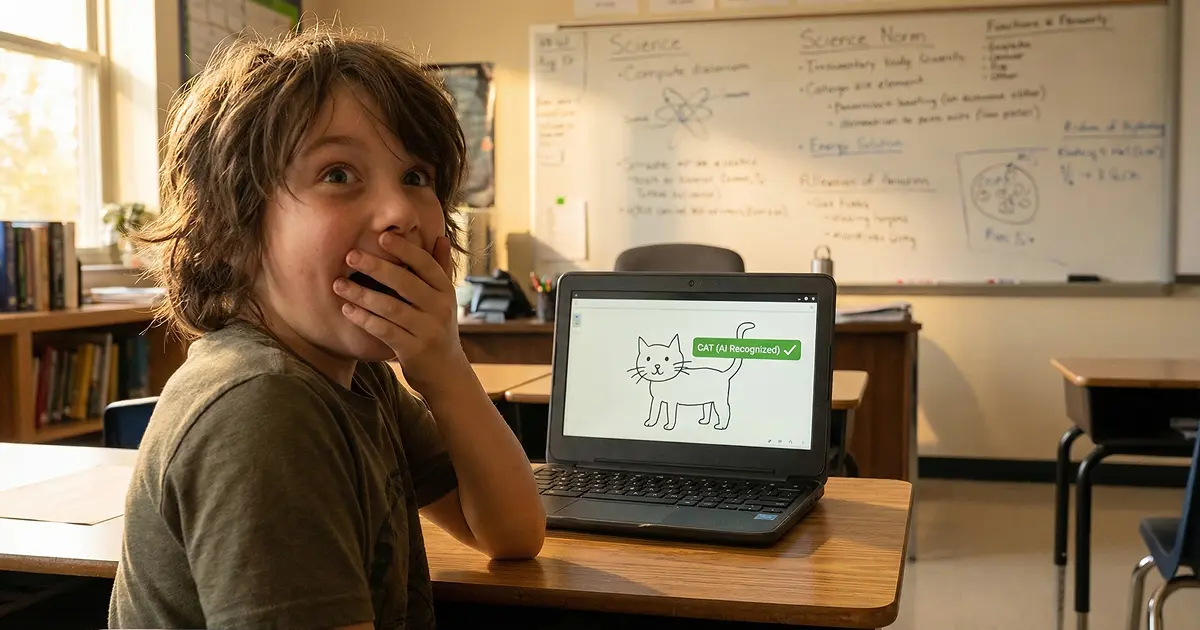
Here's what I've seen testing these with kids: telling a 12-year-old "AI learns from data" means nothing. But when Adam trained a model in Teachable Machine and it couldn't recognise his face in dim lighting, he said: "It only knows what I showed it." That's the same concept, understood in 10 minutes of play instead of an hour of explanation.
Related reading: what parents really think about AI for their kids, based on new data from real families.
Games work for AI education because the core concepts are experiential. Training data, bias, pattern recognition, classification. These make sense when you do them, not when you read about them. The tools below are ordered roughly by age and complexity.
11 AI games for students we've tested
1. WordLab Kids (ages 6+)
AI concept taught: How AI generates educational content from prompts
How it works: Students type any topic and get five vocabulary games generated instantly: a crossword with AI-written clues, a word search, unjumble, missing letters, and a "who am I?" quiz with progressive clues. The AI is invisible to students, they just see word games about whatever subject they chose.
Classroom fit: Strong for vocabulary building, spelling practice, and revision. No account needed, works in any browser, loads in seconds. Teachers can assign specific topics ("type 'photosynthesis'") or let students choose their own. Each game set takes 15-20 minutes. Works on Chromebooks, iPads, and phones.
Tutorial: Here is me giving a brief walkthrough of the AI game:
What happened when we tested it: Adam typed "space exploration" and got a crossword with clues like "first human to walk on the moon" and "planet known for its rings." He worked through it in about 10 minutes, then moved to the word search. Chloe typed "Taylor Swift" (not exactly academic, but it held her attention for 20 minutes and she learned vocabulary she wouldn't have encountered otherwise). The interesting moment: Adam noticed the AI-generated clues were sometimes harder than his school worksheets, which led to a conversation about how the AI decides what counts as a good clue.
Why it works for students: The format mirrors what kids already do in school workbooks, crosswords, word searches, fill-in-the-blanks. But the topic choice makes it feel like play rather than homework. Teachers can use it for subject-specific vocabulary (type "the water cycle" or "ancient Egypt") while students see it as a game they chose.
Group activity idea: Have pairs of students choose different topics, complete the crossword, then swap and try each other's. Comparing AI-generated clues across topics can spark discussion about how AI tailors content to different subjects.
Cost: Completely free. No signup, no account, no limits.
Parent involvement: None for ages 7+. Younger students may need help reading clues.
Try it at wordlab.aitoolsforkids.com.
2. Google Teachable Machine (ages 8+)
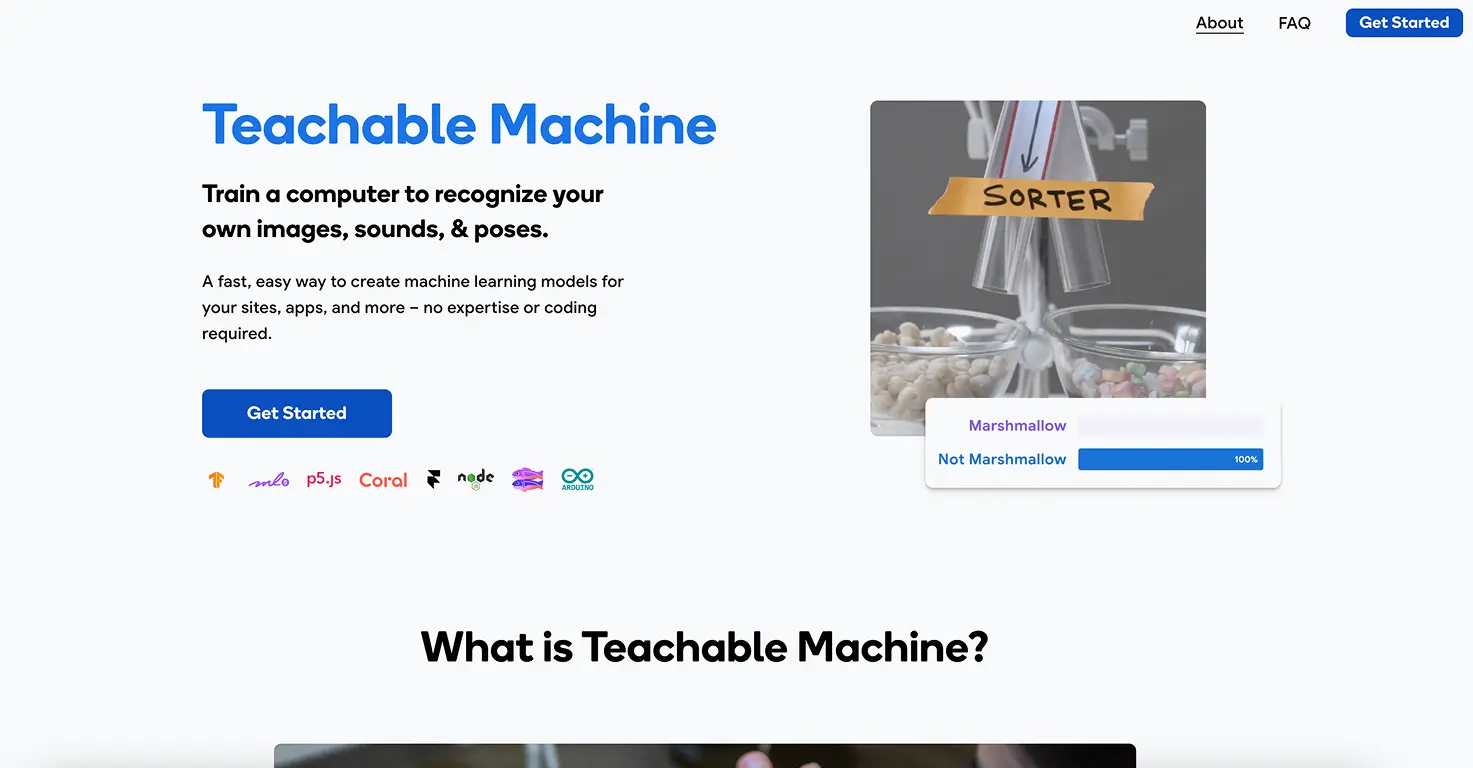
AI concept taught: Model training, data quality, computer vision
How it works: Students create their own machine learning model using a webcam, microphone, or body poses. They define categories, provide training examples, and test the model in real time.
Classroom fit: Good for small groups or paired work. Needs a device with a webcam. No account required, though projects can be saved to Google Drive. Works in Chrome browser.
What happened when we tested it: Adam trained a model to distinguish between three different hand gestures. It worked perfectly until Chloe tried using the same gestures with her left hand and the model failed. They figured out together that the training data only included right-handed examples. That conversation about data representation happened naturally, with zero prompting from me.
Group activity idea: Have pairs of students each train a model to recognise hand gestures (rock, paper, scissors). Then test each other's models. Students quickly see that more training examples = better accuracy.
See our Teachable Machine page for setup tips.
3. Quick, Draw! (ages 5+)
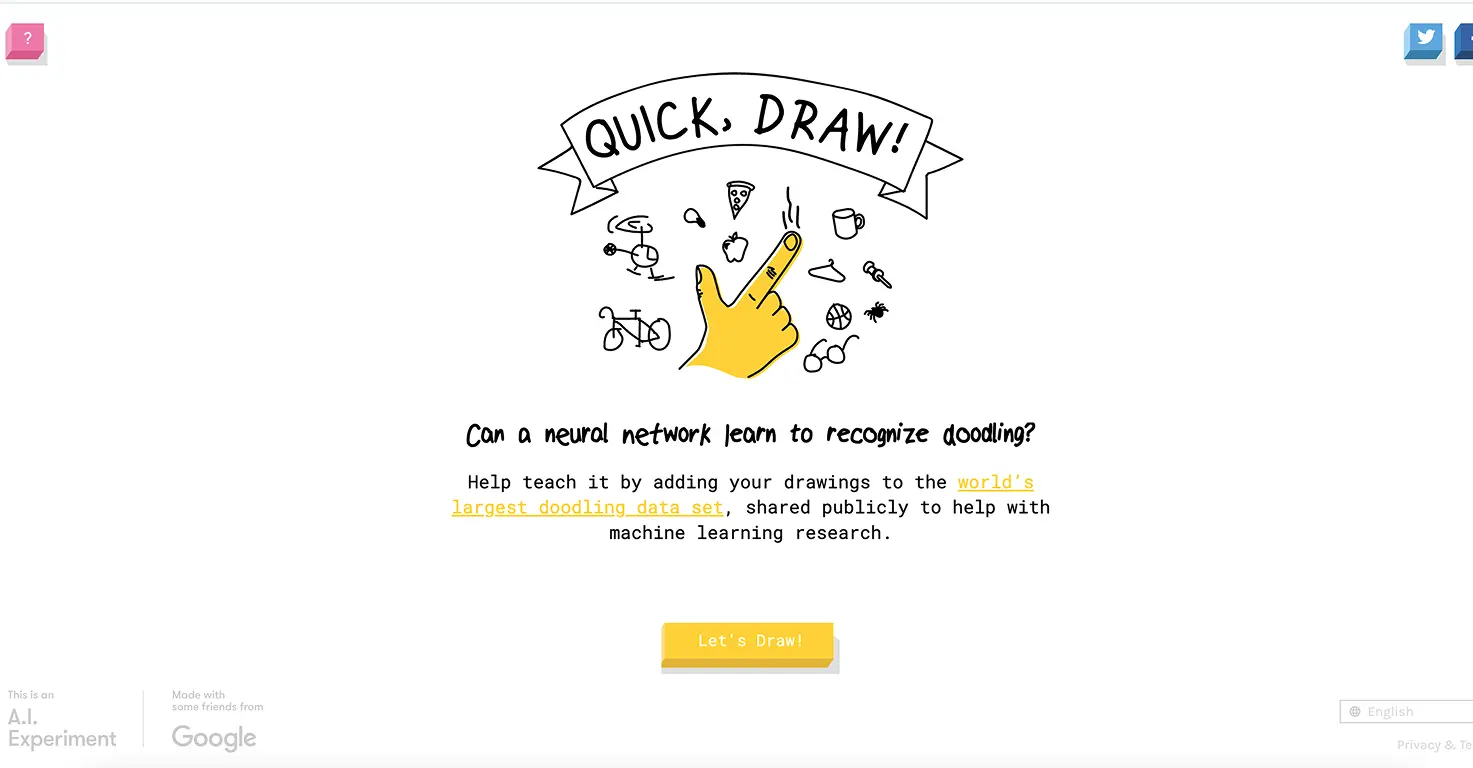
AI concept taught: Pattern recognition and neural networks
How it works: You draw something in 20 seconds and the AI tries to guess what it is, showing its guesses in real time as you draw.
Classroom fit: Perfect as a 5-minute warm-up or brain break. No setup, no account, instant engagement. Works on any device with a browser. The Quick, Draw! dataset is also publicly available, which is great for older students exploring real training data.
What happened when we tested it: Adam and Chloe turned this into a competition, racing to see who could get the AI to guess faster. Chloe noticed the AI guessed "bicycle" before she finished drawing because it recognised the wheels early. That led to a conversation about how the AI has seen millions of bicycle drawings and learned which features matter most, basically feature extraction explained through a drawing game.
Discussion starter: After a few rounds, ask students: "Why did the AI guess wrong? What could it have been confused by?" This naturally leads into how training data shapes AI behaviour.
Read our full Quick, Draw! review.
4. Minecraft Reed Smart: AI Detective (ages 8-12)
AI concept taught: Deepfakes, misinformation, media literacy
How it works: A noir-style mystery game within Minecraft Education where students investigate AI-generated content, learn to spot deepfakes, and think critically about digital information. It was developed by Minecraft Education in partnership with AI literacy researchers.
Classroom fit: Designed specifically for classrooms. Requires Minecraft Education (most schools already have licences). Full lesson plan and teacher guide included. Runs as a downloadable world.
What happened when we tested it: Adam already plays Minecraft, so the barrier to entry was zero. He spent 40 minutes investigating the mystery and came out explaining how to check if a photo is "real or AI." Chloe, who doesn't play Minecraft much, still got into the detective storyline. For their age group, the deepfake awareness angle feels genuinely relevant since they're both on social media.
Why this matters now: Deepfake awareness is becoming part of school curricula in several countries. This is the only tool I've found that teaches it in a platform kids already spend time in.
Teaching AI at home too? Most of these tools work just as well at the kitchen table. Our full AI games roundup includes creative options alongside these educational picks.
5. Google Arts & Culture AI experiments (ages 6+)
AI concept taught: Image recognition, natural language processing
How it works: A collection of browser-based experiments. "Say What You See" asks students to describe paintings while AI checks their answers. The art selfie matcher uses facial recognition to find artwork that resembles you. Each experiment takes 5-10 minutes.
Classroom fit: Great for art integration or cross-curricular lessons. No account needed. Works on any device. Short format makes these ideal for stations or rotations.
What happened when we tested it: Chloe loved the selfie matcher and spent time figuring out why the AI matched her to specific paintings ("It thinks my fringe looks like that woman's hat"). Adam preferred "Say What You See" and got competitive about scoring higher than the AI's expected answers. Both were accidentally learning about how AI interprets visual information.
Cross-curricular angle: Pairs well with art history, descriptive writing, or observation skills lessons.
6. Code.org AI for Oceans (ages 5-8)
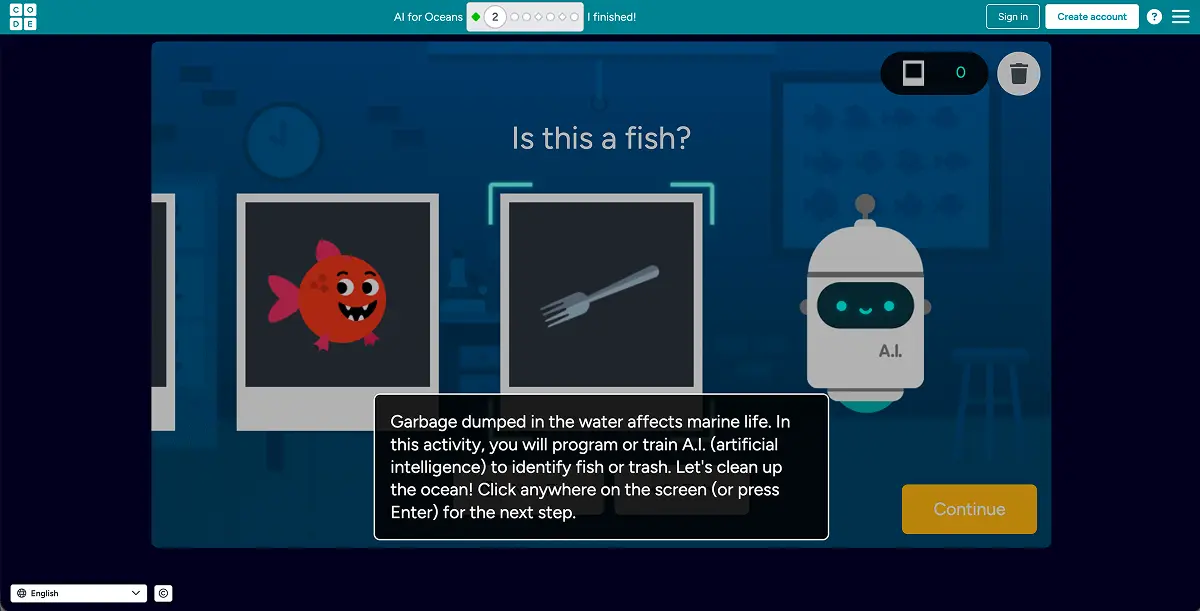
AI concept taught: Training data and classification
How it works: Students drag examples of fish and trash into categories to "train" an AI model, then test whether it correctly sorts new items. The whole activity takes about 15-20 minutes.
Classroom fit: Excellent. Code.org built this specifically for classrooms with teacher guides, lesson plans, and progress tracking. Works on Chromebooks, iPads, and any browser. No account needed for students.
What happened when we tested it: This one is pitched at younger kids, but I included it because it's the best introduction to training data I've found. Chloe finished it in 8 minutes and said it was "too easy," but when I asked her to explain what bias means in AI, she nailed it using the fish-and-trash example. The simplicity is the point for younger students.
Also try: Code.org's broader Hour of AI activities cover chatbots, machine learning, and AI ethics in similar short modules.
7. Machine Learning for Kids (ages 8-13)
AI concept taught: Full ML pipeline: collect data, train model, test, use in project
How it works: A free platform (machinelearningforkids.co.uk) created by IBM where students build AI models and use them in Scratch or Python projects. Students can train text classifiers, image recognisers, or number-based models.
Classroom fit: Strong. Built for education with worksheets, teacher guides, and structured activities. Requires a free account. Works in browser. Pairs directly with Scratch, which many schools already use.
What happened when we tested it: Adam built a sentiment classifier that could tell whether a movie review was positive or negative. He had to type in training examples himself, which made the connection between data and accuracy very concrete. When it misclassified a sarcastic review ("Oh great, another superhero film, just what we needed"), he was fascinated rather than frustrated. Chloe then tried to trick it with increasingly subtle sarcasm, which turned into a genuinely interesting experiment about the limits of language models.
Best for: Older students (10+) who are ready for a more structured AI project. This is the deepest educational tool on this list and can fill multiple class periods.
8. Scratch + AI extensions (ages 8-12)
AI concept taught: Applying AI models in creative projects
How it works: Scratch (scratch.mit.edu) has AI-related extensions and can connect with Machine Learning for Kids models. Students can build games or stories that use AI to recognise speech, classify images, or respond to text input.
Classroom fit: Excellent if your school already uses Scratch. No extra cost. Students who know Scratch basics can add AI features to their existing projects.
What happened when we tested it: Adam added voice recognition to a Scratch game he built during the session. The character moved when he said "jump" or "run." It didn't always work perfectly, and he spent time troubleshooting why (background noise, speaking too quietly), which is real-world AI problem-solving. Chloe, who'd never used Scratch before, found the block-based coding intuitive enough to follow along.
Starter project: Build a Scratch game where the AI classifies objects by colour using the webcam. Takes about 30 minutes with guided instructions.
9. QuizBot AI (ages 10+)
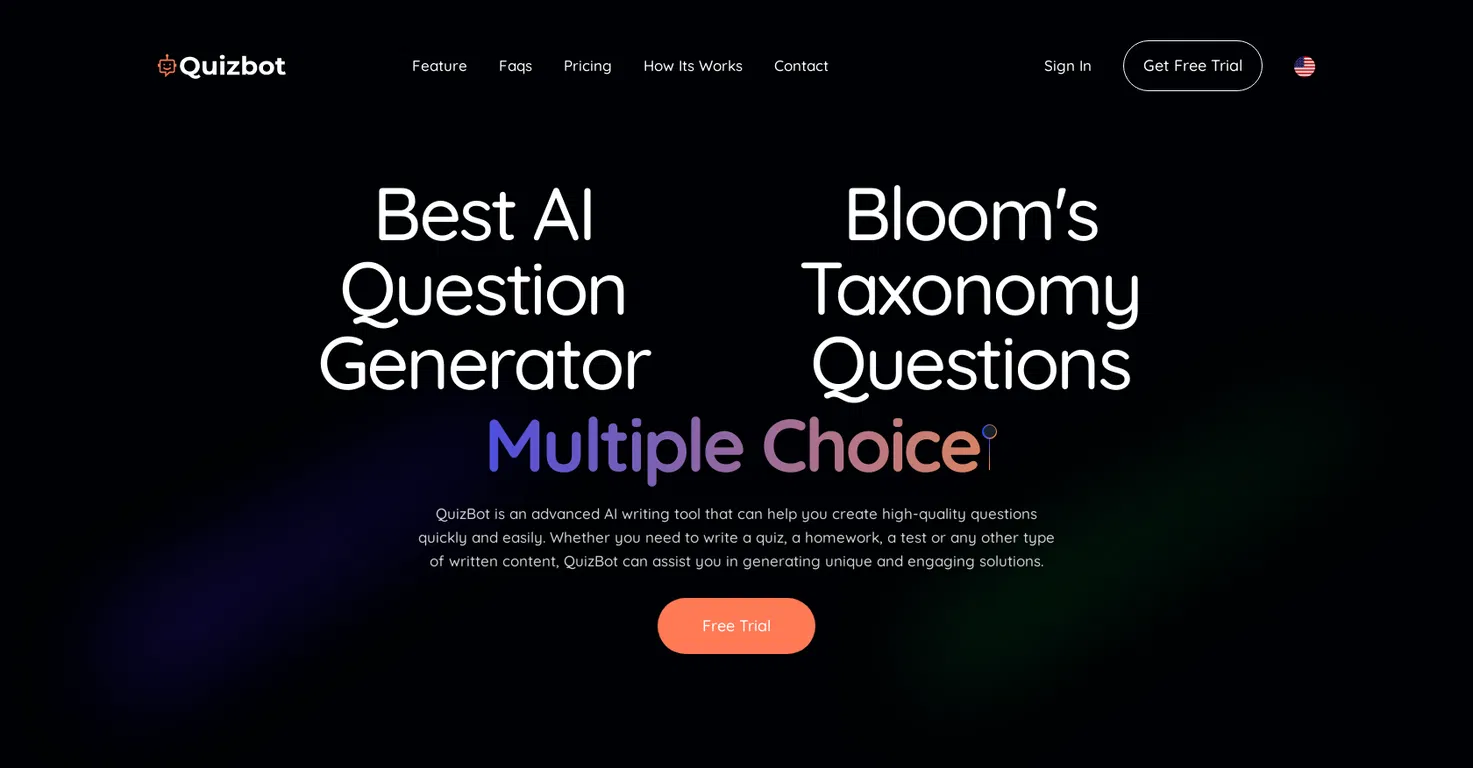
AI concept taught: How AI generates and evaluates content
How it works: An AI-powered quiz generator that creates questions from any topic or uploaded text. Students can see how AI interprets source material and generates assessment content.
Classroom fit: Useful for revision sessions. Students can create quizzes for each other, which flips the usual dynamic. Free tier available. Browser-based.
What happened when we tested it: We fed it a chapter from Adam's history textbook. He found it interesting that the AI sometimes asked questions about minor details and missed the main point of a passage. "It doesn't actually understand the story," he said. That observation about AI comprehension vs pattern matching is exactly the kind of insight this tool can prompt. Chloe then tested it with her English poetry notes and the AI's questions were noticeably worse, which opened up a good conversation about structured vs unstructured text.
See our QuizBot AI page for more details.
10. AI Dungeon (ages 13+, with supervision)
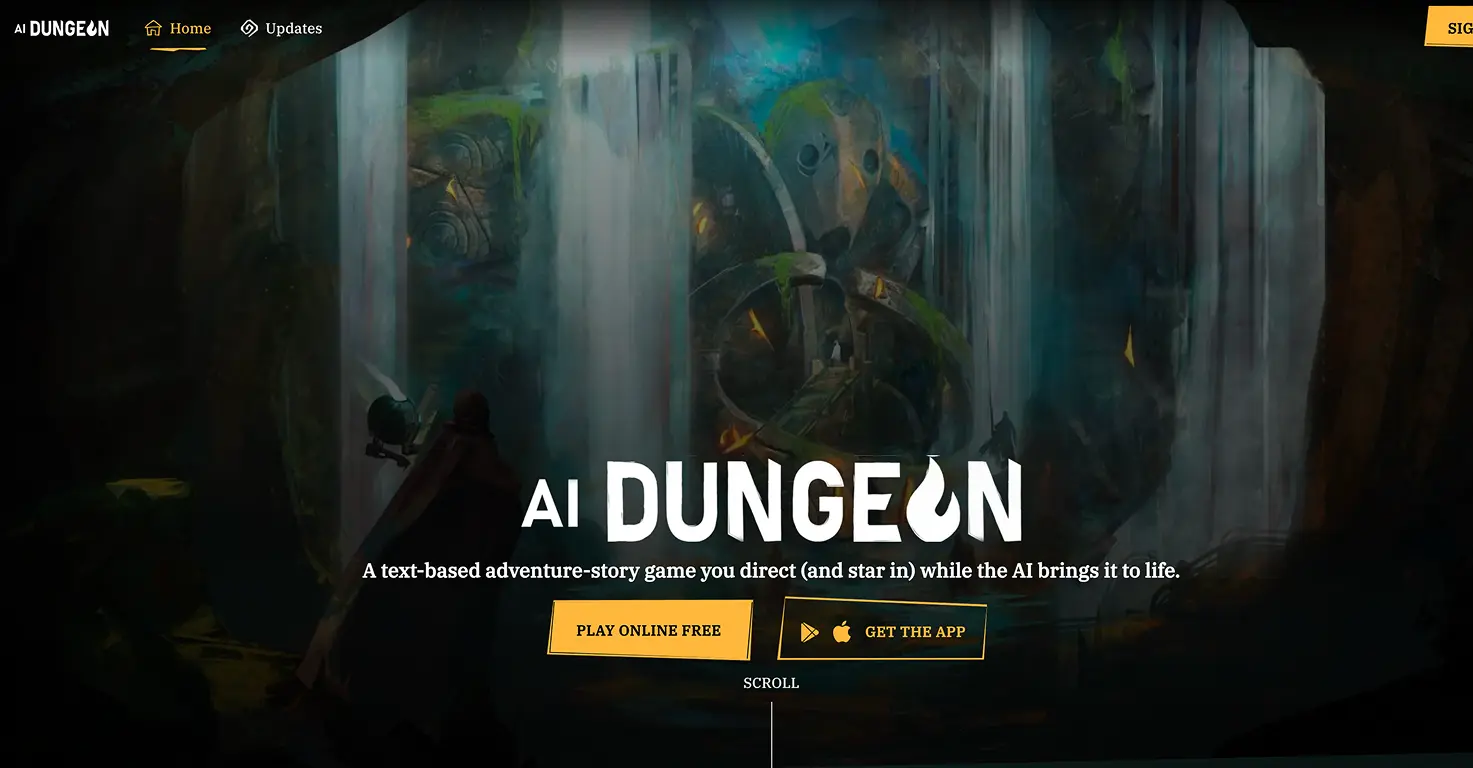
AI concept taught: Natural language generation, prompt engineering
How it works: A text adventure game where AI generates the story based on what the student types. Every response from the AI demonstrates how language models work, how prompts shape outputs, and where AI writing falls short.
Classroom fit: Limited to older students (13+). Works best as a creative writing or AI literacy exercise with teacher guidance. Free tier with daily limits. AI Dungeon's own guidelines position it for teen audiences.
What happened when we tested it: Chloe took to this immediately. She quickly learned that specific, detailed prompts created better stories than vague ones. "You have to tell it exactly what you want" became her rule, which is essentially prompt engineering taught through play. Adam tried to break it by giving contradictory instructions, and the AI's confused responses actually demonstrated the limitations of language models better than any explanation could. I had to redirect the story once when the AI took a dark turn, which is why supervision matters here.
Discussion opportunity: After a session, ask: "Where did the AI write something that didn't make sense? Why do you think that happened?" This connects directly to understanding how language models predict text.
See our AI Dungeon page for age guidance and safety settings.
Quick comparison by age and setting
ToolAgesBest forCode.org AI for Oceans5-8Classroom intro to training data and biasTeachable Machine8+Paired work, building real ML modelsQuick, Draw!5+5-min warm-up or brain breakMinecraft AI Detective8-12Deepfake awareness, needs Minecraft EdArts & Culture AI6+Station rotations, cross-curricularML for Kids8-13Deep ML projects, multiple class periodsScratch + AI8-12Schools already using ScratchQuizBot AI10+Revision sessions, student-created quizzesAI Dungeon13+Prompt engineering, teacher-guided only
How to use these in a classroom (or at home)
If you're a teacher building an AI literacy unit, here's a sequence that works across age groups:
- Start with Quick, Draw! (5 minutes). Gets everyone engaged immediately. Use the discussion questions above to introduce the idea that AI learns from examples.
- Move to Code.org AI for Oceans (20 minutes). Students experience training an AI themselves. Introduce the word "bias" here, because they've already seen it happen.
- Build with Teachable Machine (30 minutes). Paired activity. Students create their own models. This is where the deeper understanding forms.
- Discuss with Minecraft AI Detective (30-40 minutes). Apply what they've learned to real-world concerns about AI-generated content.
For parents doing this at home, you don't need the full sequence. Pick one tool, spend 15-20 minutes, and follow your child's curiosity. Adam spent a full afternoon on Machine Learning for Kids because he kept thinking of new things to classify.
11. QuizLab (ages 6-12)
AI concept taught: How AI generates contextual content. The same subject produces very different questions depending on class level and country, which shows students that AI output is shaped by its inputs.
What it is: An AI quiz game that generates curriculum-matched questions based on class level and country. Supports Ireland, UK, US, Australia, Netherlands, Brazil and Nigeria, with questions covering maths, English, science, history and geography pitched at the right level for each school year.
What students actually do: Pick a class level and country, choose 5, 10 or 15 questions, answer multiple-choice questions, get scored, and replay with a fresh AI-generated set.
What happened when we tested it: Mateo (8) played four rounds in a row, pushing his score from 6 to 9 out of 10. After round two he asked: "How does it know what we learn in 3rd class?" That question, about how context shapes AI output, is the whole lesson in one sentence.
Classroom use: Good for end-of-unit review. Students can self-quiz individually on phones or tablets. Because questions change each round, two students can compare answers without one simply copying from the other.
Cost: Free. No account or signup required.
Play at aitoolsforkids.com/quizlab.
What these games don't teach (and what to add)
These tools are strong on the "how AI works" basics, but they don't cover everything:
- Ethics and fairness: Code.org touches on bias, but deeper conversations about who builds AI and whose data it uses need a human guide. That's you.
- Privacy: None of these tools explicitly teach kids about data privacy. Pair them with a conversation about what information AI systems collect.
- Creative AI risks: Tools like AI Dungeon show kids what AI can generate, but they don't discuss misinformation or deepfakes (except Minecraft's AI Detective). Fill that gap with real examples.
The best approach: let the game do the heavy lifting on concepts, then have a 5-minute conversation about the bigger picture afterward.
The bottom line
AI literacy is becoming as important as digital literacy was 10 years ago. The good news: you don't need a computer science degree to teach it. These 11 games do most of the work. Start with Quick, Draw! for the quickest win, Code.org for the most structured lesson, or Teachable Machine for the deepest learning.
For the complete list including creative and entertainment-focused AI games, see our Best AI Games for Kids guide. And if you're specifically looking for free options with no signup, we've got a dedicated free AI games list too.
One tested AI tool every Friday. I send a single recommendation per week, tested with real kids that same week. Join 500+ parents getting practical AI picks for their children. Subscribe to the newsletter.


