

Claude




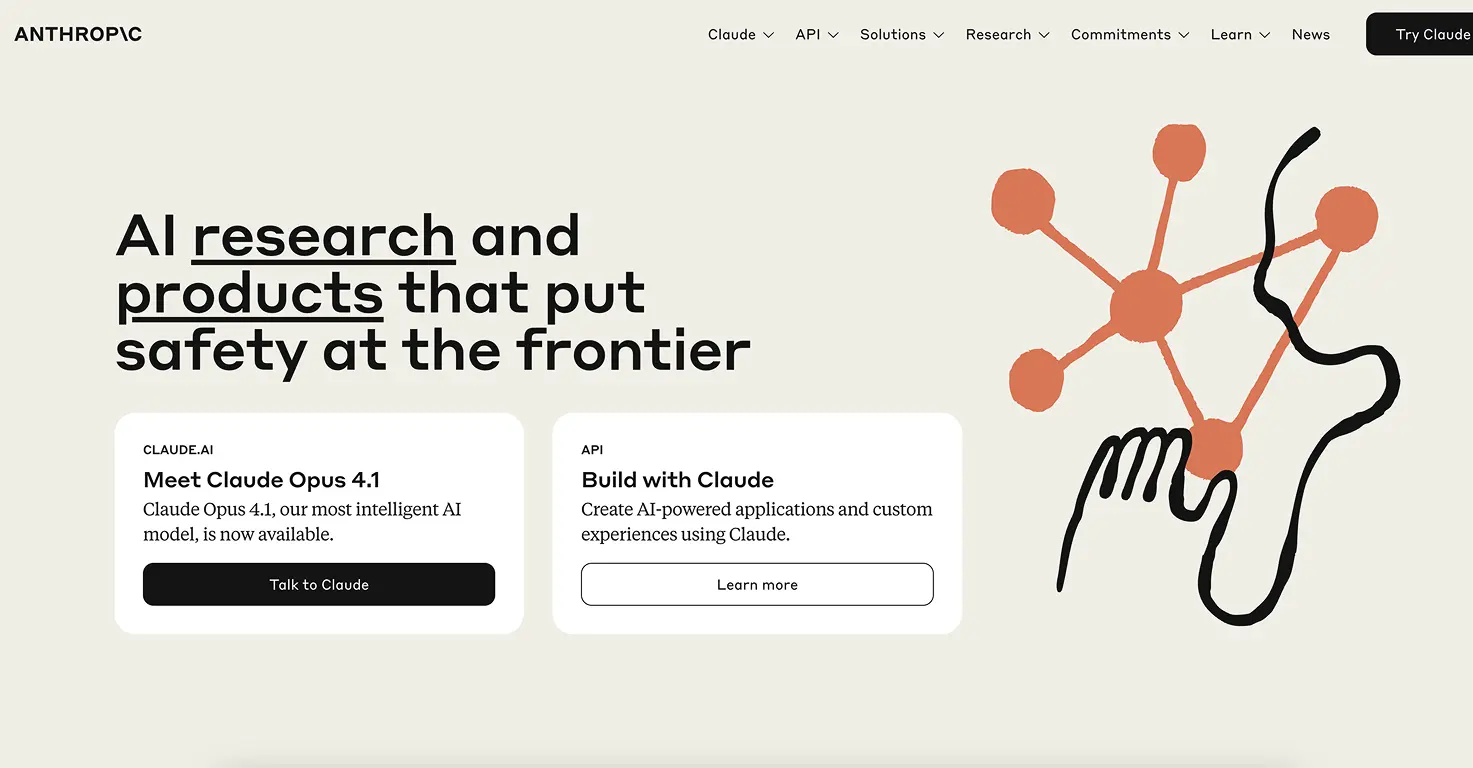



Claude is Anthropic's AI assistant, now in its 4.5/4.6 generation (Opus 4.6, Sonnet 4.6, Haiku 4.5). It's built around safety-first principles and consistently scores well on helpfulness without the unpredictable outputs you get from some competitors.
What's changed since 2025: extended thinking lets Claude reason through multi-step problems before answering (great for maths and science homework). Artifacts generate interactive documents, code, and visualisations right in the chat. Projects let you organise conversations by topic, so your child's history research doesn't get mixed up with their creative writing.
The free tier is genuinely generous. My 8-year-old uses it for homework help, and we've never hit a meaningful limit during a single session. The Pro plan ($20/month) adds more usage, priority access during busy periods, and access to the most powerful models.
One thing I appreciate as a parent: Claude tends to explain its reasoning rather than just give answers. When my son asked it to help with a maths problem, it walked him through the steps instead of just solving it. That's the difference between AI that replaces thinking and AI that supports it.
No dedicated kids mode or parental controls, so supervision is still needed for younger users. But the underlying safety design means you're less likely to encounter inappropriate content compared to other general-purpose AI assistants.
June 2026 update: Anthropic launched two new models on 9 June 2026: Claude Fable 5 (built for interactive storytelling and game creation) and Claude Mythos 5. Both were suspended within three days of launch following a US government directive. Neither is currently publicly available, and Anthropic has not given a detailed public explanation. The core Claude models (Opus 4.6, Sonnet 4.6, Haiku 4.5) are unaffected and work as normal. Worth knowing if you're recommending Claude to other parents this week.
Video tutorial
Safety



Key Features
- Extended thinking reasons through complex problems step by step before answering, showing the working rather than just the answer. Ideal for maths, science, and essay planning.
- Artifacts create interactive documents, code, charts, and visualisations directly in the conversation. Kids can build simple apps or see data come to life.
- Projects organise conversations by topic with custom instructions. Set up a "Homework Help" project with rules like "always explain your reasoning" and "use language appropriate for a 10-year-old."
- Strong safety design with Constitutional AI principles. Refuses harmful requests consistently and tends to be more cautious than competitors with younger users.
- Vision capability can read and analyse images, diagrams, handwritten notes, and screenshots. Useful for checking workings on paper-based homework.
Family Projects
- Step-by-step homework helper: Create a Project called "Homework" with the instruction "Never give the final answer directly. Always walk me through the steps and ask if I understand before moving on."
- Creative writing partner: Use artifacts to co-write stories. Claude generates a story opening, your child continues it, Claude adds the next section. Print the final artifact as a keepsake.
- Science experiment planner: Describe materials you have at home and ask Claude to suggest safe experiments. Extended thinking helps it reason through safety considerations.
- Book report assistant: Upload a photo of a book passage and ask Claude to help your child identify themes, characters, and vocabulary. Great for reading comprehension practice.
- Debate practice: Pick a topic and ask Claude to argue the opposite side. Builds critical thinking and helps kids learn to structure arguments.
Pricing