

Magnific AI (formerly Freepik)




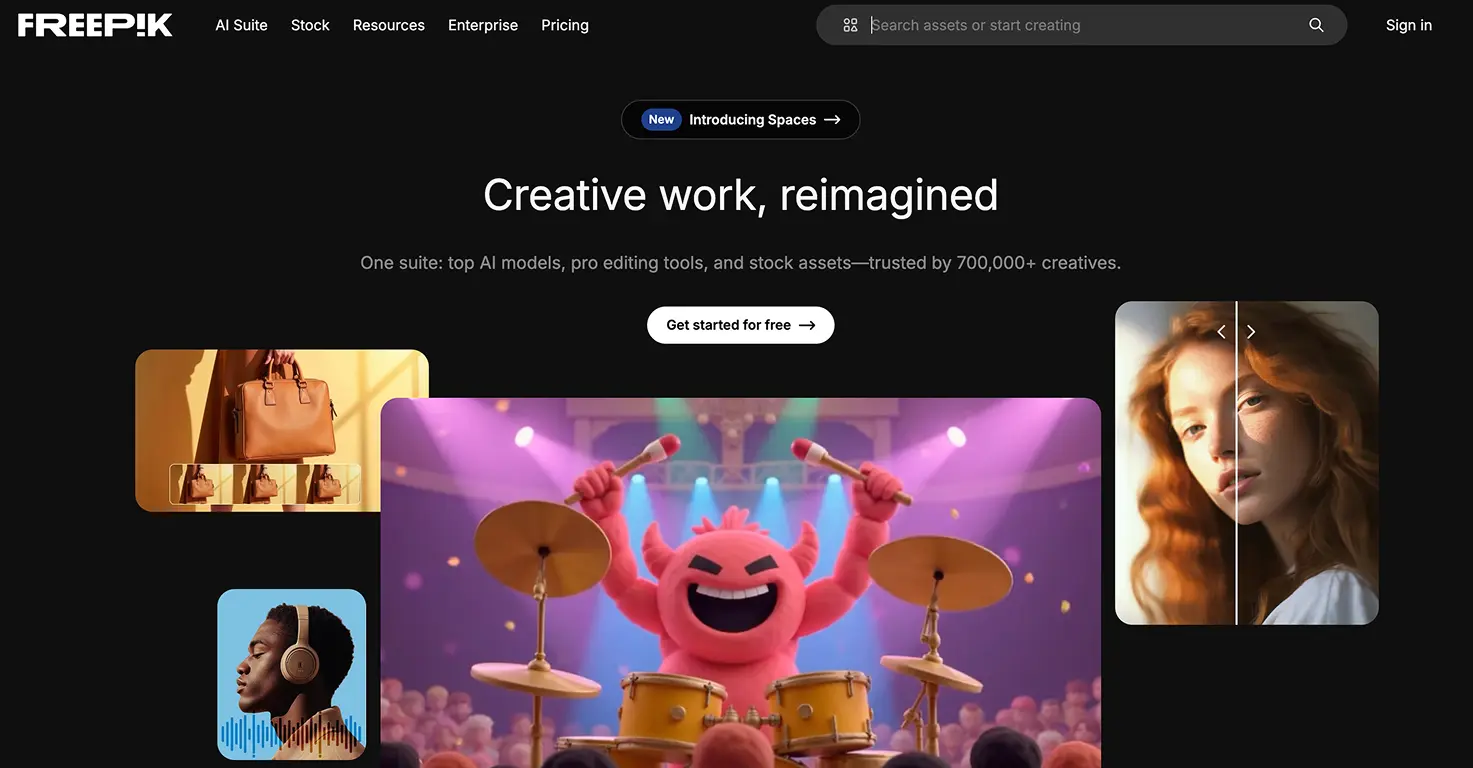



Magnific (formerly Freepik) is a professional AI image generator that turns text prompts, rough sketches or a reference photo into high-quality images.
In April 2026 Freepik rebranded to Magnific and pulled its stock library, AI image and video generation, and the Magnific upscaler into one platform at magnific.com. You will still see Freepik branding in places, but it is the same tool and team.
It runs a wide set of models, including FLUX, Mystic, Google Imagen, Ideogram and Google's Nano Banana 2, so you can pick the right engine for the job. Nano Banana 2 is the one we reach for when we want a real photo to become a consistent character across several images.
Generations are credit-metered at roughly 75 credits per image. The Essential plan is about 6 euro a month billed annually (around 72 euro a year) with 96,000 credits a year, and a free tier lets you try it with a small daily limit. Unlimited use of Nano Banana 2 starts on the Premium+ plan (about 27 euro a month). Check magnific.com for current pricing.
For families it is an adult-driven tool. A parent sets up the prompts and the child watches their idea, a drawing or a photo turn into finished artwork, which makes it a strong fit for older kids' school projects and for creative family video projects.
Video tutorial
Safety



Key Features
- Multiple AI models (FLUX, Mystic, Imagen, Ideogram and Nano Banana 2) let you choose the right engine. Nano Banana 2 keeps a real face or character consistent across separate images, which is what makes photo-to-character projects actually work.
- Reference-image generation turns an uploaded photo or a child's sketch into polished artwork, so a family photo or a rough drawing becomes a finished character you can reuse across stories and videos.
- Credit-based access opens every image, video and audio model even on the entry Essential plan (about 6 euro a month annually), with generations costing roughly 75 credits each so families can keep an eye on spend.
- Magnific upscalers built in sharpen and enlarge any image after the rebrand folded the original Magnific tool in, handy for turning a quick generation into something print-sharp for a school project.
Family Projects
- Creating professional science fair posters with AI-generated diagrams and illustrations that make complex concepts visually clear, teaching teens how to combine text, data visualization, and custom imagery for academic presentations.
- Designing book report covers and character illustrations for literature assignments, helping students visualize protagonists, settings, and key scenes while developing visual interpretation skills and understanding narrative through imagery.
- Building social media graphics for school clubs, sports teams, or student council campaigns, teaching teens real-world design skills for event promotion, fundraising, and community engagement with professional-looking visuals.
- Generating custom artwork for personal portfolios or college applications, demonstrating creative thinking and digital literacy skills while creating unique visual content that showcases individual style and technical competence.
- Developing concept art for creative writing projects, world-building exercises, or game design ideas, helping teens externalize imaginative concepts and refine creative visions through iterative visual development.
Pricing