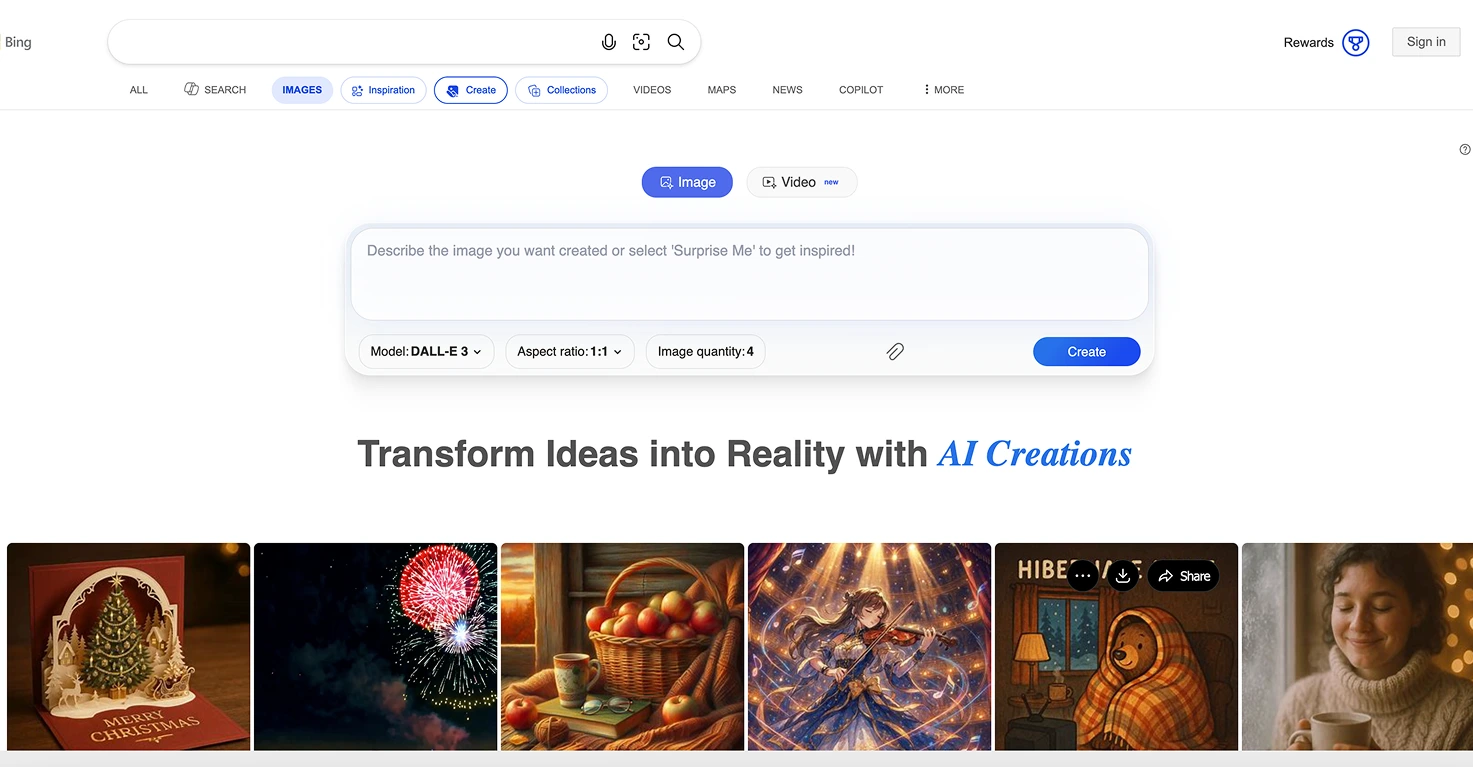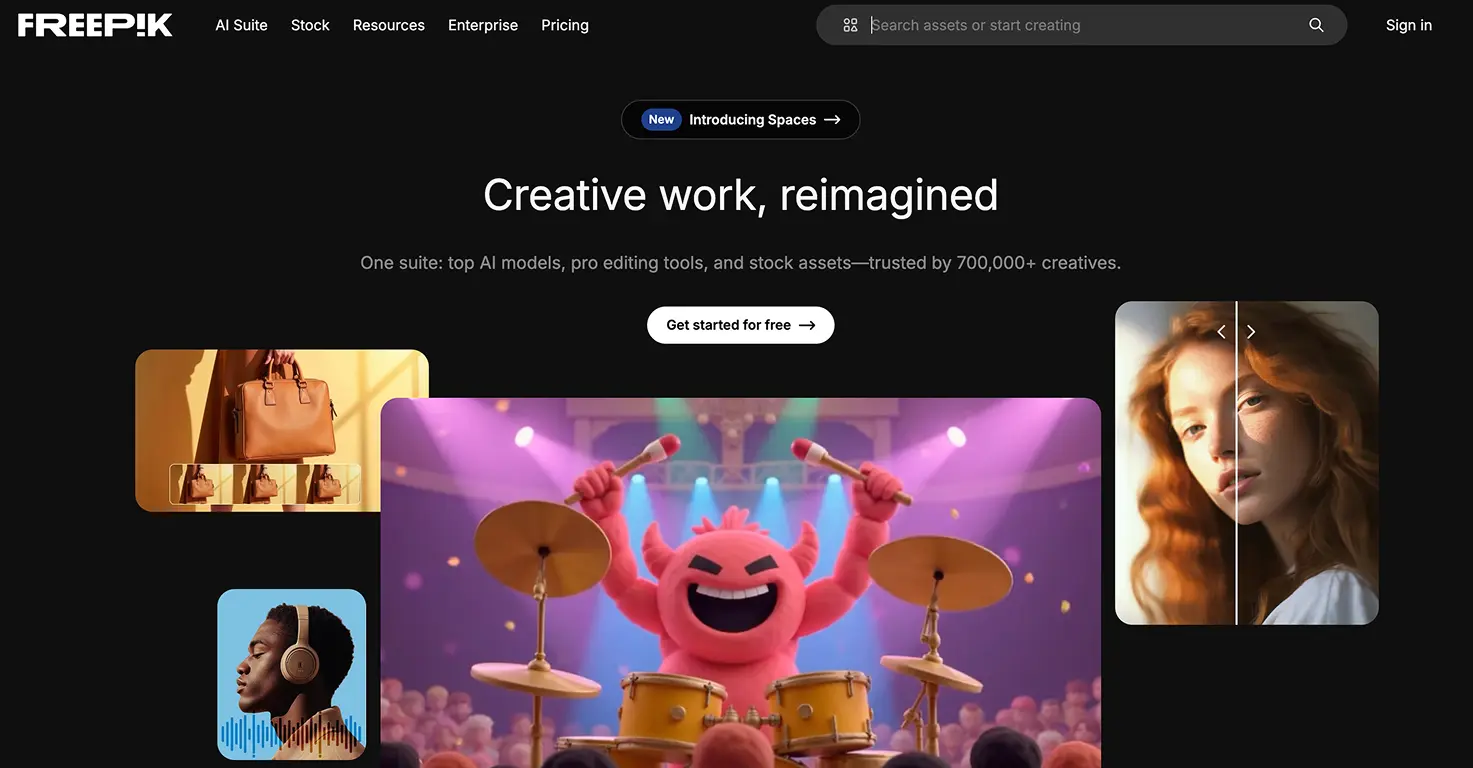


Playground AI




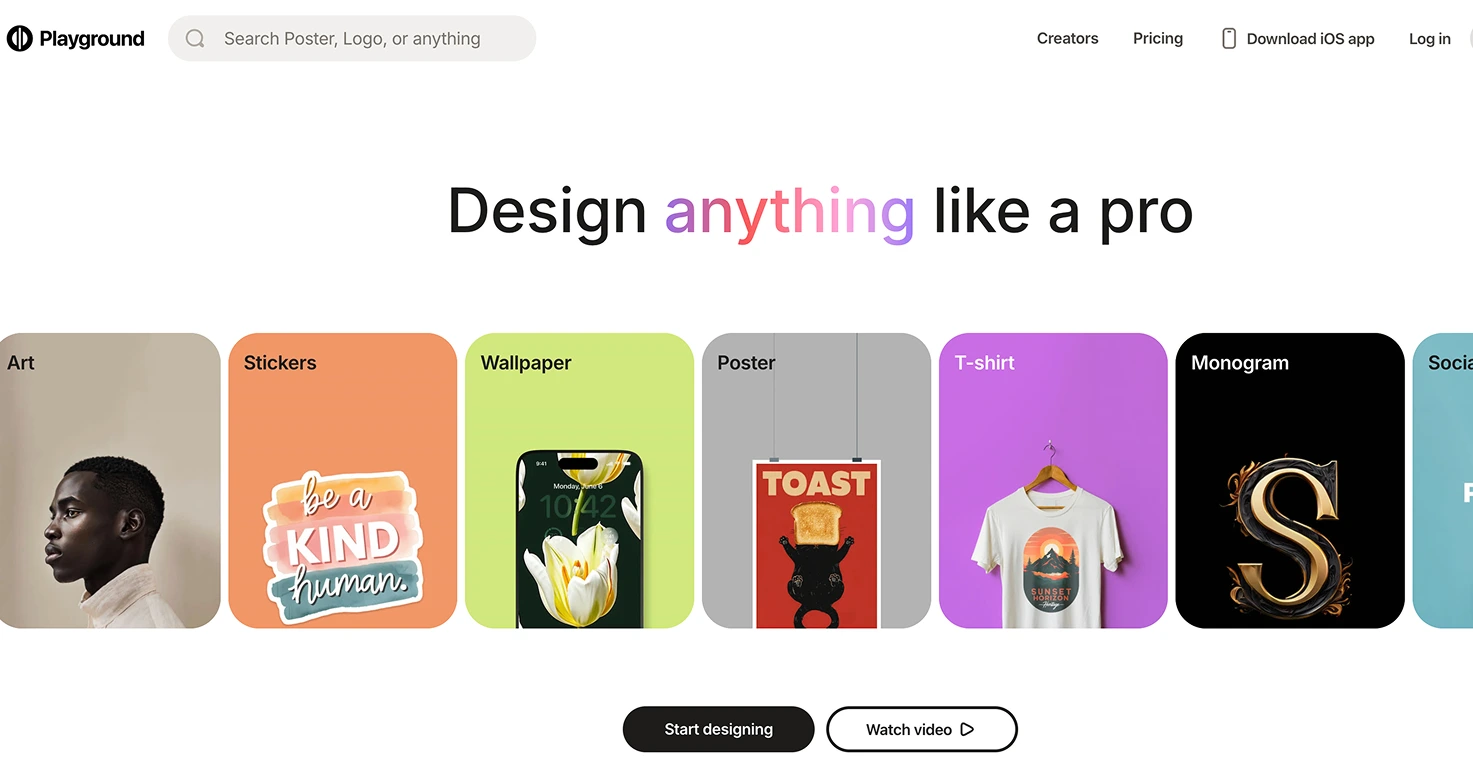


Playground AI is a versatile image generation platform that combines multiple AI models (DALL-E 2, Stable Diffusion) with intuitive canvas-based editing tools, offering one of the most generous free tiers in the AI art space.
The free plan provides 50 images per day - enough for most family projects without ever needing to upgrade - plus the ability to edit, expand, and blend images directly in the browser-based canvas.
Unlike many competitors, Playground AI grants full commercial rights to your creations, meaning kids can use their AI art for YouTube thumbnails, school projects, or even selling on platforms like Etsy.
The platform includes built-in style filters that help achieve specific aesthetics (anime, photorealistic, illustration) without needing to master complex prompting techniques.
Video tutorial
Safety



Key Features
- 50 free images daily provides enough creative freedom for multiple school projects, story illustrations, and experimental art without worrying about credits or subscriptions running out.
- Multiple AI models available including DALL-E 2 and Stable Diffusion variants let families experiment with different artistic styles and find what works best for each project type.
- Canvas-based editing tools allow expanding images beyond their borders, blending multiple images together, and making targeted edits - turning simple generations into polished final pieces.
- Full commercial rights included means kids can use their creations for YouTube thumbnails, printed merchandise, school fundraisers, or selling art online without licensing concerns.
Family Projects
- Creating custom game assets for Scratch projects, Roblox thumbnails, or tabletop RPG character portraits - kids can design exactly what they imagine for their games.
- Designing merchandise for school fundraisers like custom t-shirt graphics, poster designs, or sticker art that can actually be printed and sold thanks to commercial rights.
- Building illustrated chapter books where kids write stories and generate matching illustrations for each scene, creating professional-looking books they can print and share.
- Experimenting with art styles by generating the same prompt in different filters (anime, photorealistic, watercolor) to learn how artistic style affects mood and meaning.
- Creating YouTube channel branding including thumbnails, channel art, and video graphics that look professional without expensive design software.
Pricing