

Higgsfield AI Video Generator




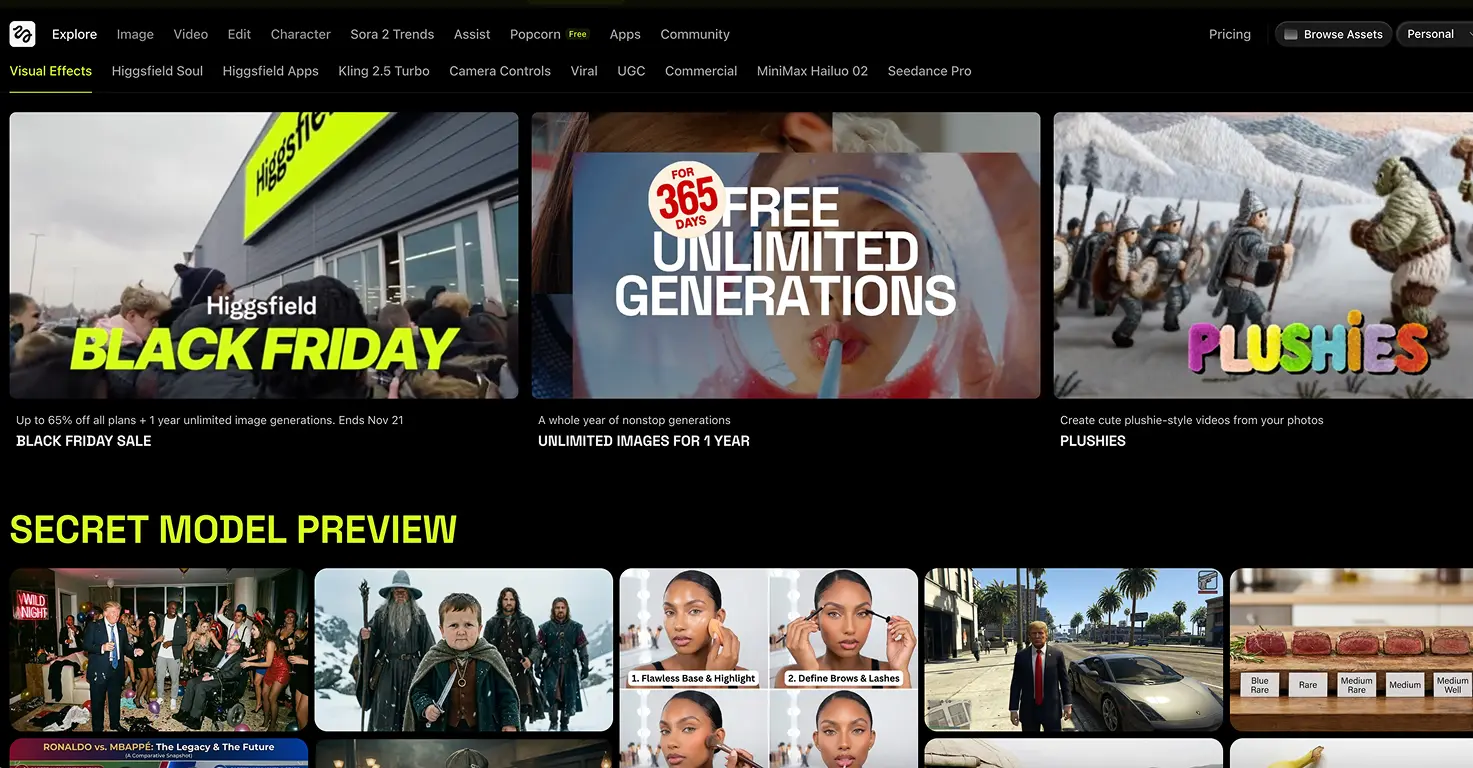



Higgsfield AI is a professional-grade creative platform that turns a single image or a text prompt into cinematic-quality video, running today's leading AI models including Seedance 2.0, Google Veo, Sora and Kling alongside its own Soul image model, plus lip-sync, face swap and ultra-realistic motion controls built for content creators, filmmakers and marketers.
The capability that surprised us most is image-to-video. You can take one still photo, draw a rough line on it to show the path you want the camera to travel, and Higgsfield animates a believable flythrough along that route. It is the difference between a static holiday photo and a drone shot you never actually filmed.
Officially an 18+ platform per its privacy policy, Higgsfield is a parent-operated tool, not something children use directly. Its powerful editing features (face swapping, realistic lip-syncing, deepfake-grade manipulation) and lack of content filtering demand serious conversations about digital ethics and consent, so any family use means a parent at the keyboard while a child contributes the ideas.
Video tutorial
Safety



Key Features
- Image-to-video flythroughs let you upload one still photo, sketch a path line on it, and watch the AI animate a believable moving-camera shot along that route, turning a single holiday picture into footage that looks like it was filmed by a drone.
- Multiple flagship models (Seedance 2.0, Google Veo, Sora, Kling and the Soul image model) sit under one roof, letting a parent pick the best engine for the job, photorealistic flythroughs, stylised cartoons or talking avatars, and compare results from the same prompt.
- Cinematic motion controls generate short clips with professional camera moves (pan, zoom, tracking shots) without any videography experience, a simple way to show children how real filmmakers use camera movement to create emotion and tell a story.
- Lip-sync studio and face swap can make any character speak to a script, which is genuinely useful but also a clear, hands-on illustration of how convincing deepfakes are made, exactly what families need to understand now that anyone can fake a video.
Family Projects
- Turning a holiday photo into a cinematic flythrough by drawing the camera path on the image, a brilliant way to bring a place you are about to visit to life with your kids before you travel.
- Animating a child's invented story by drawing an eight-panel storyboard in an image tool, then bringing the whole sequence to life as a short cartoon while your child directs the action.
- Recreating a favourite scene from a book or film as a short animated clip, letting children see their imagination move on screen and learn how shots are planned before they are made.
- Exploring digital ethics together by showing older teens how face swap and lip-sync work, then discussing how convincing deepfakes are and why verifying what you see online matters.
- Building a college portfolio reel with mature teens 16+ exploring film or content creation, demonstrating camera movement and AI video workflows for applications.
Pricing