

Kling AI




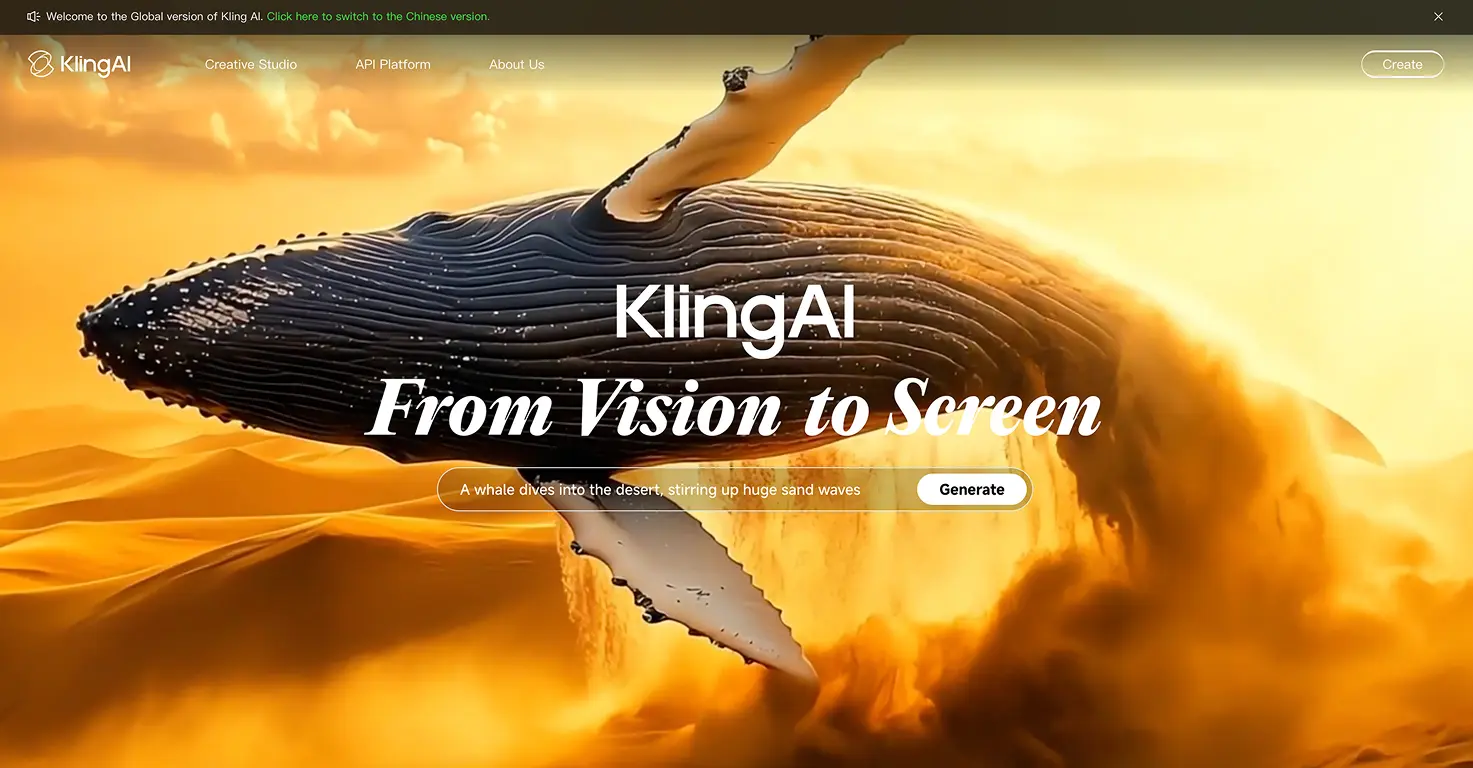


Kling AI is an image-to-video and text-to-video generator that turns still photos into smooth, cinematic clips in minutes. Upload a photo, write a simple prompt describing the action, and the AI generates a short video. The most useful feature for families is the first-and-last-frame tool: you provide the starting image and the ending image, and Kling fills in the transformation between them.
Kling 3.0, released in early 2026, is rated the top AI video generator currently available. It generates up to 15 seconds of video per clip, maintains stable backgrounds during large-scale changes, and processes native audio within the same model. The free tier gives 66 daily credits, enough for 2-3 short test generations per day. Paid plans start at $6.99 per month.
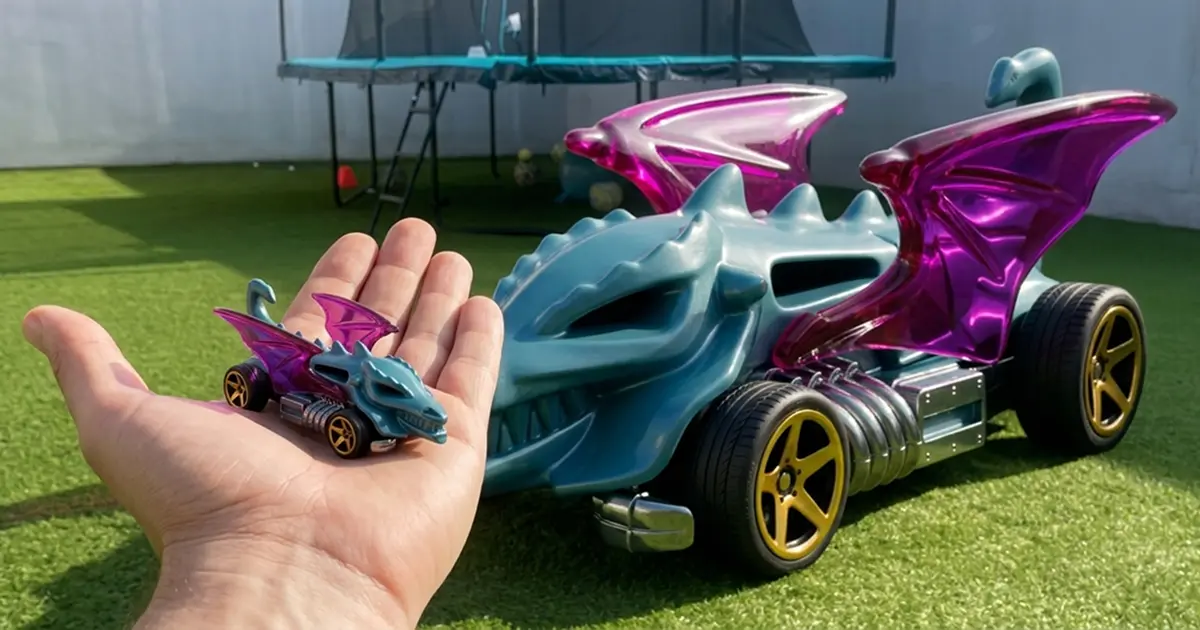
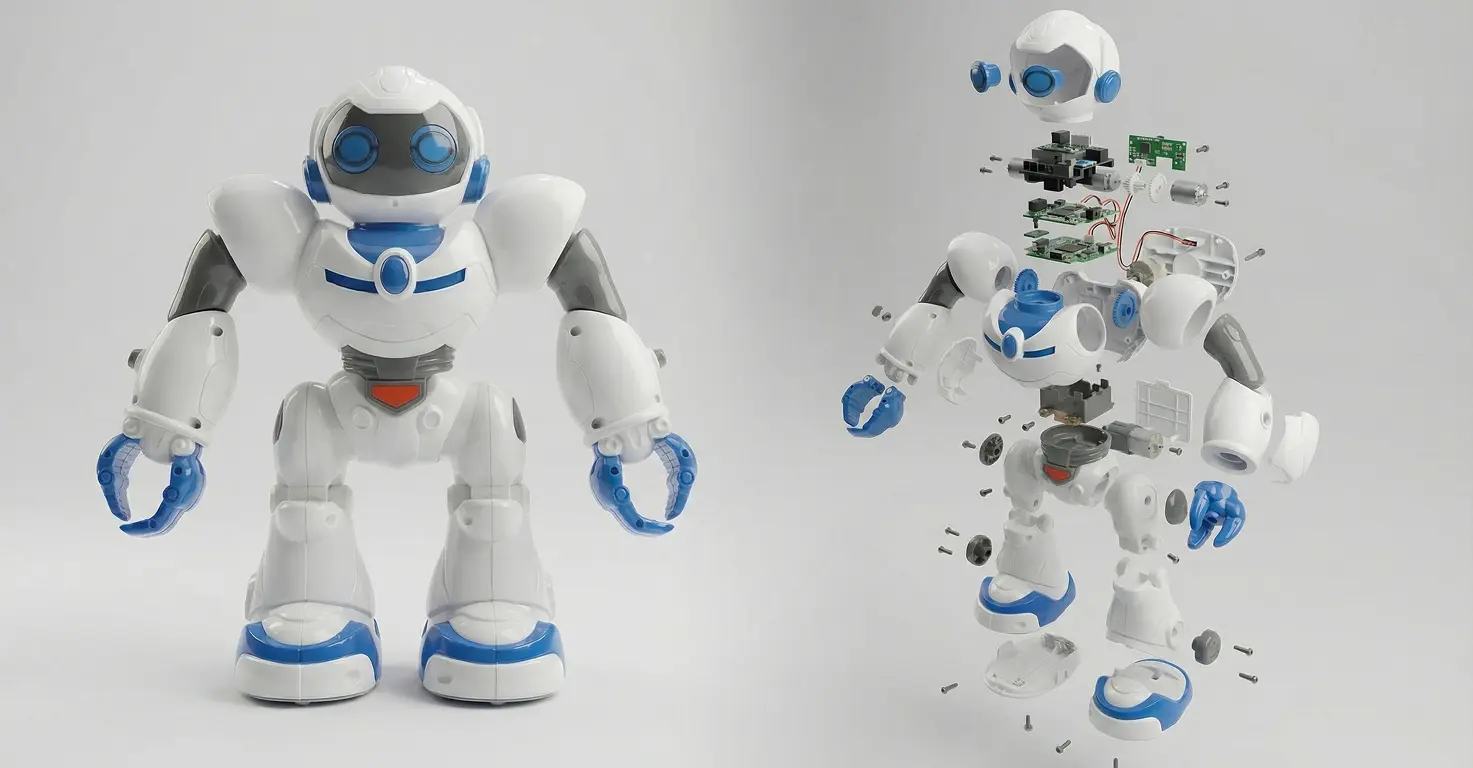
We have used Kling across five family projects: turning a 4-year-old's Dragon Blaster Hot Wheels car into a life-sized supercar in the garden, creating a cinematic product shot of an 8-year-old's robot toy, transforming the Zootopia DMV scene into four animation styles, and producing a short Nemo AI film. In every case the parent handles the prompting and credit management while the child provides the subject and the reaction.
Video tutorial
Safety



Key Features
- Turns single photos into cinematic clips in minutes. Upload a photo of your child's toy, drawing, or garden and Kling generates realistic motion. No video editing experience needed — describe the action in plain language and the AI handles the rest.
- First and last frame control lets you define exactly where the video starts and ends. Upload a before image and an after image, write a simple action prompt, and Kling fills in the transformation. This is what makes toy-to-life-sized projects and movie scene transfers possible.
- Stable background preservation during large-scale changes is Kling 3.0's most useful family capability. It scaled a 7cm Hot Wheels toy to a 3.5-metre supercar without warping the garden, trampoline, or soccer balls in the background.
- Free tier with 66 daily credits lets you test before committing to a paid plan. Enough for 2-3 short generations per day. Paid plans from $6.99 per month remove watermarks and unlock higher quality output suitable for sharing with family.
Family Projects
- Turning a favourite toy into a life-sized version in the garden — generate the end frame with Nano Banana 2, film your child throwing the toy, then use Kling's first-and-last-frame feature to animate the transformation. Tested with Conor (4) and a Dragon Blaster Hot Wheels car.
- Creating a cinematic product shot of an action figure or robot toy with explosion-into-parts and reassembly sequences. Tested with Mateo's (8) plastic robot — he then asked to do three more toys that week.
- Transforming favourite movie scenes across different animation styles (Toy Story, Pixar, anime) using Kling's style transfer. We did the Zootopia DMV scene in four styles — all three kids voted on the winner.
- Animating a child's drawing into a moving scene — generate a clean version of the artwork with Nano Banana 2, then use Kling to bring it to life with motion appropriate to the subject.
- Producing a short AI film around a child's favourite topic using Kling for video generation and Nano Banana 2 for character and scene consistency across multiple shots.
Pricing