Suno vs Udio: which AI music generator is better for kids? (2026)
ON THIS PAGE
Subscribe To Get Weekly Family AI Discoveries

- Suno is faster and simpler - generates full songs in under 60 seconds, better for younger kids who want quick results
- Udio sounds more professional - higher audio fidelity and richer instrument separation, but requires more patience
- Both require parental supervision - neither has built-in kid modes, and accounts require adult creation
- Suno wins for lyrics - clearer vocal diction and better at singing what you actually wrote
- Udio wins for teaching - the block-by-block workflow accidentally teaches song structure
After months of making AI music with my kids, I get this question constantly from other parents: "Should we try Suno or Udio?" Both tools turn text prompts into complete songs with vocals. Both have free tiers. Both are genuinely fun. But they're built for different types of creators.
I play piano and guitar myself, though it's been years since I've touched either. So when my 5-year-old asked to "make music," I was curious whether AI could give her that experience without the years of practice. I've spent three months testing both platforms with her and my 8-year-old son. We've made birthday songs, silly stories set to music, and more than a few tracks about our dog.
Here's my honest comparison to help you pick the right one for your family.
Not sure which tool is right for your child?
Take our free 2-minute quiz and get personalized AI tool recommendations based on your child's age and interests.
The Quick Answer: Suno for Fun, Udio for Learning
If your kid wants to type an idea and hear a song immediately, choose Suno. It's faster, simpler, and the vocals are clearer. My 5-year-old can use it with minimal help.
If you want a tool that teaches how songs are actually built, choose Udio. The block-by-block creation process forces kids to think about intros, verses, and choruses. My 8-year-old now uses terms like "bridge" correctly because Udio made him plan each section.
Neither is objectively "better." They're different tools for different goals. Let me break down exactly why.
How They Work: Full Songs vs. Building Blocks
This is the biggest practical difference between the two platforms.
Suno: One Click, Full Song
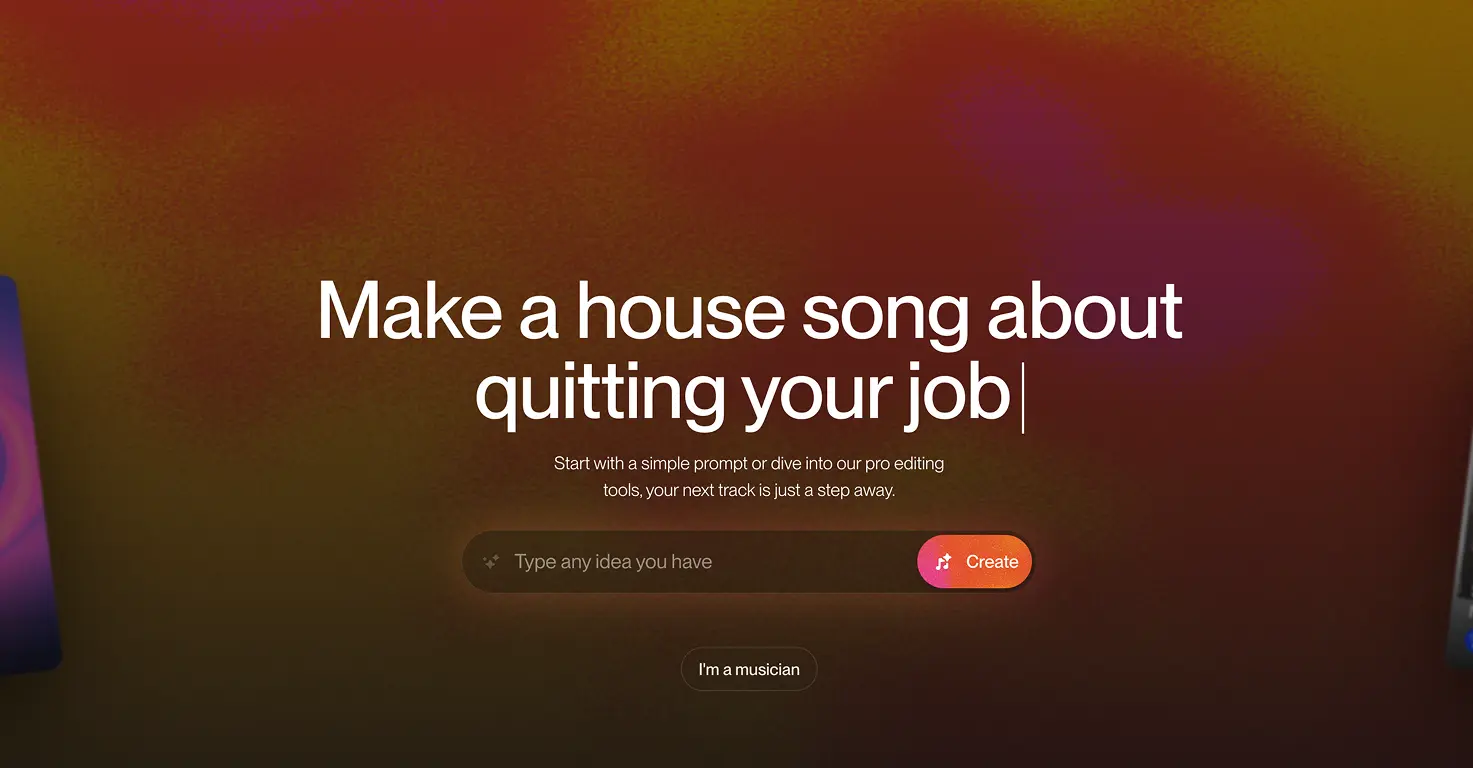
Suno generates a complete song from a single prompt. Type "upbeat pop song about a kid who loves pizza" and within 60 seconds, you'll have a 90-second track with vocals, instruments, and structure. Done.
For kids, this instant gratification is powerful. My daughter lights up every time she hears the finished result. There's no waiting, no extra steps, no decisions to make. She describes an idea, presses generate, and gets her song.
Udio: Build It Piece by Piece
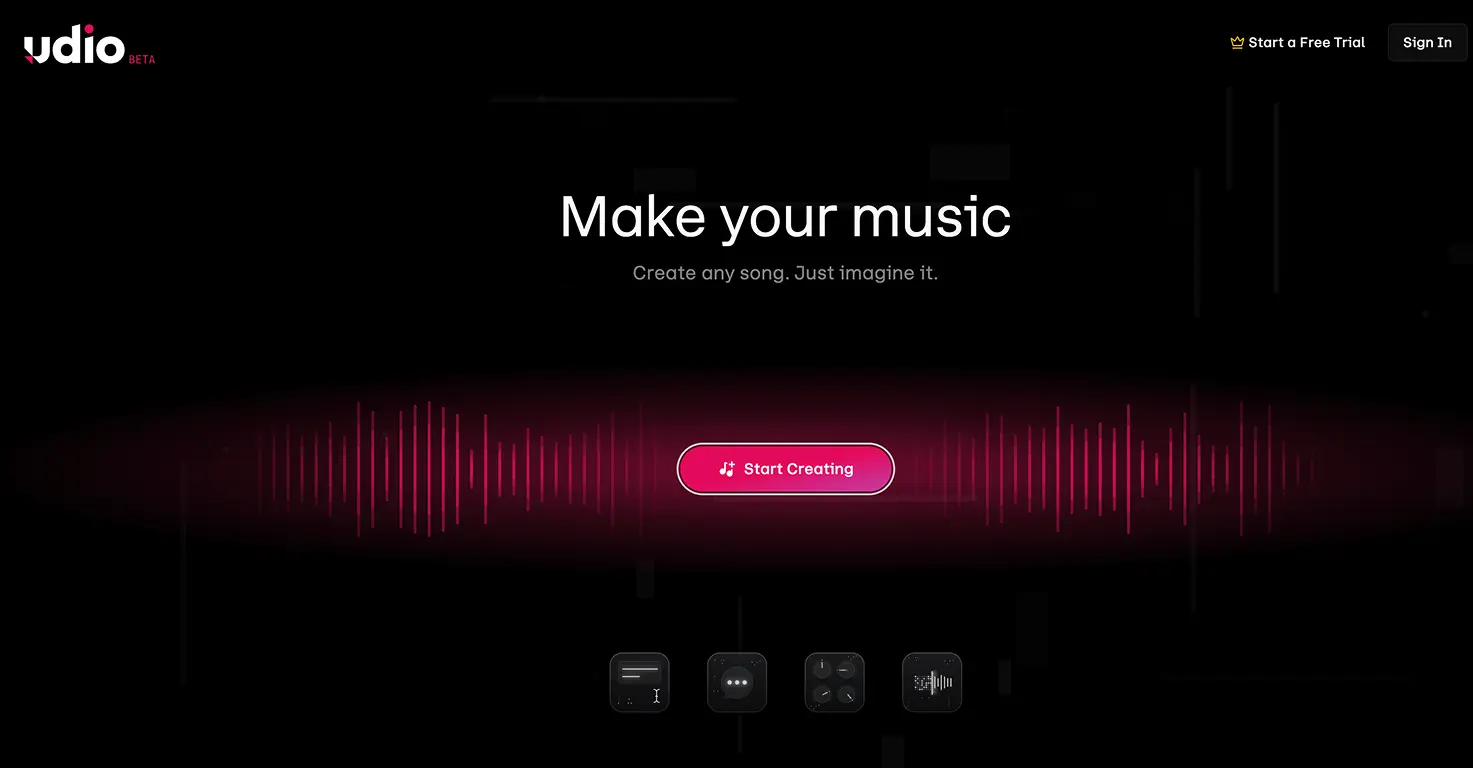
Udio works differently. It generates 32-second chunks. You make an intro, then decide to extend forward (add a verse) or backward (add a different intro). Building a full song takes multiple generations and requires decisions at each step.
This frustrated my 5-year-old at first. She wanted instant results, not a construction project. But my 8-year-old loved it. He started asking questions like "What should come after the chorus?" and "Should the verse be quieter than the intro?" The tool accidentally became a lesson in song structure.
Parent Insight: If your child is under 7, start with Suno. The immediate payoff keeps them engaged. If they're 8 or older and curious about how music works, Udio's workflow teaches more, even though it takes longer.
Sound Quality: Which Sounds Better?
This one surprised me. I expected similar quality from both, but there's a clear difference.
Udio Has Richer Audio
Users in the AI music community consistently describe Udio's output as "studio quality" while Suno sounds more like a "128kbps MP3." In plain terms: Udio has cleaner instrument separation, richer bass, and more detail in the high frequencies.
When my son and I made a jazz track on both platforms, the Udio version had a distinct upright bass line you could follow easily. The Suno version blurred the bass into the background. For teaching kids to identify instruments ("Can you hear the piano? Now find the drums"), Udio's clarity matters.
Suno Has Clearer Vocals
But here's the flip side: Suno generally handles vocals better. The lyrics come through more clearly, and the AI does a better job singing exactly what you wrote. Udio's vocals sometimes mumble, repeat phrases oddly, or generate gibberish that sounds like language but isn't.
My daughter found Udio's gibberish vocals hilarious (she calls it "robot nonsense"), but if your child wrote specific lyrics and wants to hear them sung correctly, Suno is more reliable.
Lyrics: Getting the AI to Sing What You Wrote
Both tools let you write custom lyrics, but they handle them very differently.
Suno Follows Instructions Better
Suno typically sings what you wrote. If you type a verse about your dog chasing squirrels, you'll hear those words. It's not perfect, but it's predictable enough that my kids' school project lyrics worked the first or second try.
Udio Improvises More
Udio takes more creative liberty. It might rearrange your lyrics, substitute words, or generate entirely new phrases that fit the melody. Some users love this because it feels more "organic." But if your 5-year-old carefully wrote lyrics about her best friend's birthday and the AI changes the name, expect tears.
For kids who want their exact words sung back, Suno is the safer choice.
Safety: What Parents Need to Know
Neither platform was designed specifically for kids, so both require supervision.
Account Requirements
Both Suno and Udio require users to be 18+ according to their terms of service. For family use, parents should create the account and supervise all activity. Neither has a "kid mode" or parental controls.
Content Moderation
Both platforms filter explicit content aggressively. Prompts with violence, hate speech, or sexual content get blocked. In my testing, both were equally strict, sometimes frustratingly so. Words like "blood" or "kill" (even in harmless contexts like "killer dance moves") can trigger the filter.
For parents, this aggressive filtering is reassuring. Your child is unlikely to accidentally generate inappropriate content. But innocent Halloween songs or historical projects might hit unexpected blocks.
Public Sharing
Here's an important difference: Suno accounts are public by default. Songs your child creates can be seen by others unless you actively manage settings. Udio's free tier also makes songs public, but paid tiers allow private generations.
Safety Note: Never let kids use their real names or personal details in prompts or lyrics. Both platforms may use submitted content for AI training. Stick to generic names and fictional scenarios.
Pricing: What You'll Actually Pay
Both offer free tiers, but they work differently.
Suno's Free Tier
- 50 credits per day (about 10 songs)
- Credits reset daily
- No commercial use
- Songs are public
Udio's Free Tier
- 10 credits per day plus 100 per month
- About 3 songs per day
- No commercial use
- Songs are public
Suno's free tier is more generous for daily use. If your family wants to make several songs in one sitting, Suno gives you more room to experiment.
Paid Plans
Suno Pro: $10/month for 2,500 credits (about 500 songs). Includes commercial rights and priority generation.
Udio Standard: $10/month for 2,400 credits (about 600 songs). Allows private generations but commercial use is limited.
Pricing is similar, but Suno's credits stretch further because you don't need multiple generations per song.
The Udio Download Problem
I have to mention this because it's a dealbreaker for some families: as of late 2025, Udio has temporarily disabled downloads.
Due to a licensing agreement with Universal Music Group, you currently can't download Udio songs as audio files. You can listen on the platform, but you can't export to use in a school video project, birthday slideshow, or anywhere else.
Udio says downloads will return once new copyright protections are in place. But right now, if your child wants to actually use their song outside the Udio website, this is a serious limitation.
Suno still allows downloads on paid plans.
What Each Tool Does Best
Choose Suno For:
- Younger kids (5-10) who want instant results
- Lyric-focused projects where words matter
- Quick fun without a learning curve
- Actually using the songs in other projects (videos, slideshows)
- Clearer vocals and better lyric accuracy
Choose Udio For:
- Older kids (10+) interested in how music is made
- Teaching song structure (intro, verse, chorus, bridge)
- Higher audio fidelity and instrument separation
- Genre exploration (Udio captures specific styles better)
- The "producer" experience of building tracks piece by piece
Our Family's Setup
After testing both extensively, here's how we use them:
For my 5-year-old: We use Suno almost exclusively. She dictates lyrics, I type them, and we listen to the result together. The instant payoff keeps her engaged, and she loves hearing her words sung back clearly.
For my 8-year-old: We split between both. Quick silly songs happen on Suno. When he wants to "make something real," we open Udio and build it section by section. He's learned more about music structure from Udio than from any other activity.
For family projects: Suno, because we can actually download the songs and use them in birthday videos or school presentations.
The Bottom Line
Both Suno and Udio are impressive tools that let kids create real music without instruments or training. The "right" choice depends entirely on what you want from the experience.
Start with Suno if your goal is creative fun with minimal friction. It's faster, simpler, and the results are immediately usable.
Try Udio if you want the music-making process itself to be educational. The extra effort pays off in understanding.
Or do what we did: try both free tiers and let your kids tell you which one they prefer. My daughter chose Suno for the instant magic. My son chose Udio because he liked being "the producer." Both are valid, and both are genuinely fun.
Check out our detailed Suno review and Udio review for deeper dives into each platform's safety ratings, features, and setup guides.