





Udio review: honest pros and cons after 3 months of testing (2026)
ON THIS PAGE
Subscribe To Get Weekly Family AI Discoveries

- Studio-quality songs from text prompts - Udio generates complete tracks with vocals, no musical skills needed
- Free tier works for families - 10 daily credits (enough for ~3 songs) lets you experiment without paying
- Content filters block explicit material - but parental supervision is still recommended for younger kids
- Accidentally educational - the block-by-block workflow teaches kids song structure and musical form
- Downloads temporarily disabled - a licensing transition with Universal Music Group limits practical use right now
When my 5-year-old daughter asked if we could "make a real song," I wasn't sure where to start. She can't play an instrument. I play piano and guitar, but it's been years since I've touched either. But within 60 seconds of trying Udio, we had a fully produced pop song about her stuffed bunny, complete with vocals, drums, and a surprisingly catchy chorus.
After three months of testing Udio with all three of my kids (ages 3, 5, and 8), I've seen the magic moments and hit the frustrating walls. This review covers everything parents need to know: Is it actually safe? What does it cost? And most importantly, does it spark real creativity, or is it just another screen distraction?
Here's my honest assessment after dozens of family music sessions, including what worked, what didn't, and whether Udio deserves a spot in your creative toolkit.
Not sure which tool is right for your child?
Take our free 2-minute quiz and get personalized AI tool recommendations based on your child's age and interests.
What Is Udio and How Does It Work?
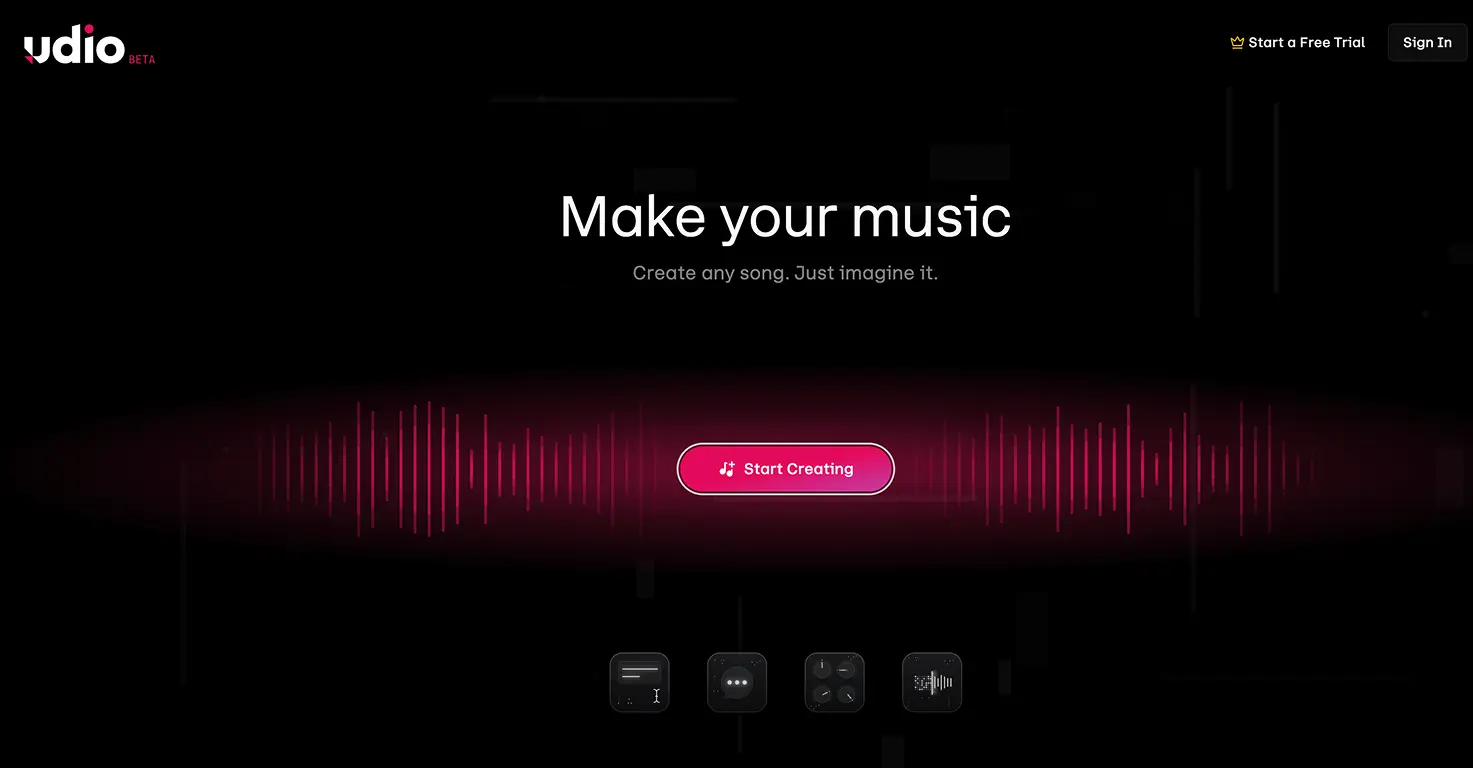
Udio is a web-based AI music generator that transforms text descriptions into complete songs: vocals, instruments, lyrics, and all. You type something like "upbeat song about a dog who loves pizza" and within 30-60 seconds, Udio produces two fully arranged song options.
Unlike AI tools that only create background music, Udio generates actual singing. The AI writes lyrics, performs vocals, and handles all the instrumentation. For kids, this is the magical part. They describe an idea, and moments later, a "real singer" is performing their song.
The platform runs entirely in your browser. No downloads, no complex software. My 8-year-old navigated it independently after a quick walkthrough. My 5-year-old needed help typing but understood the concept immediately.
💡 Parent Insight: My daughter's eyes lit up when she realized "that lady singing is singing MY song!" The immediate feedback loop keeps kids engaged in ways traditional music lessons often don't.
🔒 Safety First: Is Udio Appropriate for Kids?
This was my biggest concern before letting my kids use Udio. Here's what I found after extensive testing.
Content Moderation
Udio has aggressive content filters that block explicit lyrics, violence, and adult themes. When users try to prompt inappropriate content, the system either refuses or sanitizes the output. One user reported that even mentioning a firearm in lyrics caused generation to fail. The AI errs heavily on the side of caution.
For parents, this "nanny filter" is actually reassuring. My kids' typical prompts (songs about unicorns, video games, funny stories) never triggered any issues. The public songs on Udio's explore page are generally wholesome or silly.
Age Requirements
Udio's Terms of Service have shifted toward a 16+ age requirement for independent accounts. This means younger kids should use the platform with parental supervision, which I'd recommend anyway. There's no dedicated "kids mode" or parental controls, so sitting with your child during sessions is the safest approach.
Privacy Considerations
Important rule for kids: Never upload recordings of real voices or use real names in prompts. Udio's terms allow them to use uploaded content for AI training. Stick to text prompts only, and keep personal details out of the lyrics.
What Does Udio Cost? Breaking Down the Pricing
Here's a quick summary. For the full breakdown including credit costs per song, daily limits, and tips to maximise the free tier, see our complete Udio pricing guide.
Udio operates on a credit system across three tiers:
Free Tier ($0): 10 credits daily plus 100 bonus credits monthly. This translates to roughly 3 full-length songs per day, plenty for casual family use. Free songs are public by default, and you can't download high-quality audio files.
Standard Plan ($10/month): 2,400 credits monthly with no daily cap. That's approximately 600 songs per month. Songs can be kept private, but commercial use isn't permitted.
Pro Plan ($30/month): 6,000 credits monthly with full commercial rights. This tier is for content creators who want to monetize their AI-generated music.
💡 Parent Insight: The free tier is genuinely useful for families. We used it for two months before considering an upgrade. The daily limit actually helps prevent my kids from burning through credits impulsively.
The Hidden Cost of Iteration
Here's what surprised me: getting a "good" song often takes multiple attempts. Each generation costs credits, and you might try 5-10 versions before finding one you love. A single song project can consume 50-100 credits if you're picky. This teaches kids to think carefully about their prompts, an unexpected lesson in resource management.
Educational Value: What Kids Actually Learn
Beyond the fun factor, Udio offers real learning opportunities that surprised me.
Understanding Song Structure
Udio generates songs in 32-second chunks. You create an intro, then extend to add a verse, then a chorus. This block-by-block workflow forces kids to think about musical form: "What comes after the intro? How do we build to the chorus?"
My 8-year-old started using terms like "verse" and "bridge" naturally after a few sessions. He understood that songs have structure, not just random sounds strung together.
Active Listening Skills
Udio's high audio quality allows kids to distinguish individual instruments. We play a game: "Can you hear the bass? Now find the piano." The clear instrument separation makes this possible in ways compressed audio wouldn't.
The Genre Time Machine
One of our favorite activities: creating songs that sound like different decades. Prompt for 1950s rock and roll, then 1980s synth-pop, then 2020s trap. Discuss what changed: the drums, the instruments, the vocal style. Udio's accurate genre modeling makes these differences audible and concrete.
Vocabulary Building
To get specific results, kids must describe what they want precisely. "Happy song" produces something generic. "Upbeat acoustic guitar song with female vocals about camping" gets much closer to their vision. This builds descriptive vocabulary and teaches cause-and-effect with language.
What Worked in Our Testing
Instant Gratification Sparks Creativity
The 30-60 second generation time keeps kids engaged. They see immediate results from their ideas, which motivates more experimentation. My daughter made two songs in one week after discovering she could turn her stories into music.
Family Collaboration
Udio became a bonding activity. We brainstorm themes together, the kids dictate lyrics, I help refine the prompt, and we all listen to the results. The shared creative process matters more than the output.
Low Barrier, High Reward
No instruments required. No music theory knowledge needed. Kids who might never pick up a guitar can still experience the thrill of creating a complete song. This opens up music-making to kids who wouldn't otherwise have access.
What Didn't Work
Lyrics Can Be Nonsensical
The AI sometimes mumbles, repeats phrases oddly, or generates gibberish that sounds like language but isn't. My kids found this funny, but if you want specific lyrics sung clearly, you'll face frustration. Rap and hip-hop vocals are particularly weak, often robotic or unclear.
The Lottery Mechanic
Users describe Udio as a "1 in 20 success ratio." For every magical track, there are many duds. Unlike a piano where pressing a key reliably produces a note, Udio is probabilistic. This requires patience that younger kids sometimes lack.
Downloads Currently Disabled
This is the biggest current frustration. Due to a licensing transition with Universal Music Group, Udio has temporarily disabled downloading songs as audio files. You can listen on the platform but can't save the music locally or use it in video projects. Udio says this will return once new copyright safeguards are in place, but for now, it limits practical use significantly.
⚠️ Important: If your child wants to create a soundtrack for a school video project, verify the download status before committing to Udio. Without exports, the tool's utility for external projects is drastically reduced.
Genre Limitations
Udio struggles with certain styles. Heavy metal and death metal vocals sound unconvincing. Classical orchestral pieces lack nuance. If your teen wants aggressive rock music, they may be disappointed. Pop, electronic, and acoustic genres work best.
Udio vs. Suno: Which Should You Choose?
The main competitor is Suno, and they serve different needs:
Choose Udio if: Your child cares about how music is made, likes tweaking settings, or has an ear for production quality. Udio rewards the "producer" mindset and captures genre vibes more accurately.
Choose Suno if: Your child wants to write lyrics and hear them sung immediately with minimal fuss. Suno generates full songs in one pass, has clearer vocal diction, and offers a simpler interface. It's better for quick, fun creations.
Udio sounds more "professional." Suno is faster and more reliable with lyrics. For young kids, Suno's simplicity might be preferable. For teens interested in music production, Udio's depth is more rewarding.
Check out our full Udio tool review and Suno tool review for detailed safety ratings and feature breakdowns.
The Bottom Line
Udio is a fascinating tool that opens music creation to anyone with an idea. Kids can experience the thrill of hearing their ideas become songs, no instruments or training required. The educational value is real: song structure, active listening, descriptive language, and creative iteration.
But it's not a toy. The interface has depth, the results are probabilistic, and the current download restrictions limit practical use. It works best as a parent-child activity rather than something you hand to a kid and walk away from.
My recommendation: Start with the free tier. Sit with your child for the first few sessions. Use it for creative exploration rather than expecting polished final products. If the magic clicks (and for many families it will), consider the Standard plan for more flexibility.
The joy is in the creation process itself: brainstorming ideas together, hearing the AI's interpretation, laughing at the weird results, and occasionally striking gold with a song that makes everyone smile. That's worth more than any download button.


