

Grok Imagine




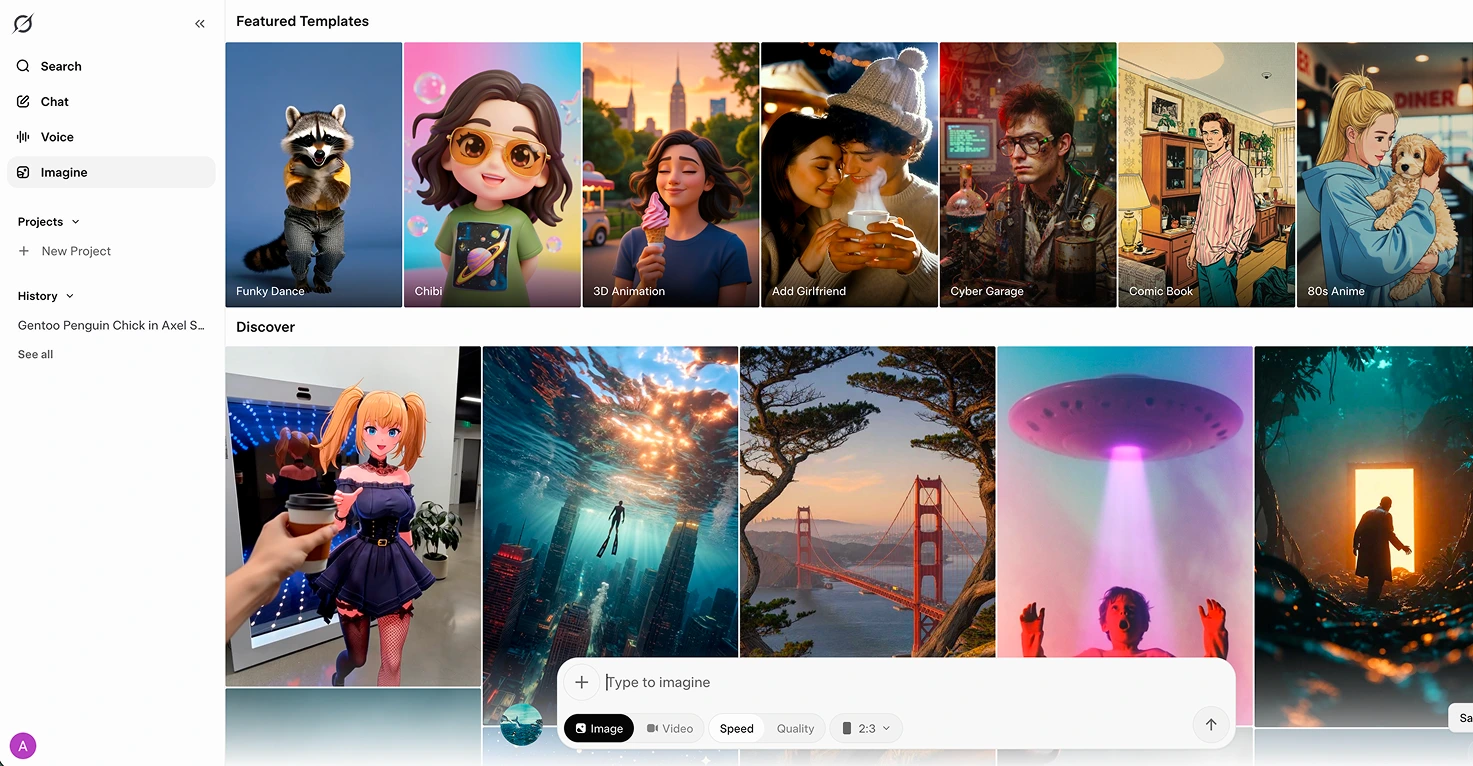



Grok Imagine is xAI's image and short-video generator, built on the Aurora model and accessed through the Grok app, grok.com/imagine, or X.
Its standout feature is image-to-video animation: upload a still picture, add a prompt, and Grok produces a 6 or 10 second clip at 720p with native synchronized audio, ambient sound, effects, and even lip-sync for dialogue. That pairs brilliantly with image generators like Nano Banana, where you create the scene and then bring it to life inside Grok.
The tool is impressive, but it lives inside the wider Grok ecosystem, which has real problems. Common Sense Media has rated Grok as not safe for teens, Grok's Ani companion enables NSFW roleplay, and a Spicy mode sits next to Normal and Fun inside Imagine itself. For families, this is a parent-operated tool. Treat it as an animation studio you run for your kids, not something they open on their own phone.
Video tutorial
Safety



Key Features
Image-to-video animation takes any still picture and generates a 6 or 10 second clip at 720p, keeping the original look intact while adding motion, atmosphere, and camera movement, ideal for bringing a book illustration or Nano Banana image to life.
Native synchronized audio generates ambient sound, effects, and even lip-sync dialogue automatically as part of the video, rather than requiring a separate sound editing step, a real time-saver when building a multi-scene family project.
Four generation modes (Normal, Fun, Custom, Spicy) let you pick how the model handles motion and tone. Stick to Normal or Custom for family work, Spicy unlocks adult content and should not be used with children nearby.
Extend from Frame feature chains clips together by picking up exactly where the previous clip ended, letting you build longer sequences for narrative projects like animating pages of a favourite picture book into a short film.
Family Projects
- Animating a favourite picture book by generating each scene in Nano Banana, then uploading to Grok Imagine to bring each page to life as a 6 or 10 second clip, our three and six year olds were captivated watching a Julia Donaldson story move for the first time.
- Turning a child's drawing into a short clip by photographing their artwork, uploading it, and prompting Grok to animate the characters, gives kids the thrill of seeing their own art come alive without needing any technical skill from them.
- Building a birthday video message by animating a still photo or illustrated card with a matching prompt, easy and surprisingly touching for grandparents when sent alongside a birthday call.
- Creating a bedtime story animation by stitching together multiple 10 second clips using the Extend from Frame feature, turning a favourite tale into a short film the kids can watch at bedtime.
- Producing a nature or science clip for a school project by animating a photo or illustrated scene, weather, habitats, planets, with a matching prompt, giving presentations a visual lift.
Pricing