Kling 01 Is Here: The Most Powerful AI Video Model Yet
ON THIS PAGE
Subscribe To Get Weekly Family AI Discoveries

Quick Takeaways
- 10-second 1080p videos - Double the length and higher resolution than competitors like Runway (5 sec, 720p)
- Natural language video editing - Transform existing videos by simply describing changes you want
- Subject reference with images - Upload photos of people, pets, or characters and reference them in your prompts using @tags
- Hollywood-level VFX - Background replacement, lighting changes, element removal, and green screen compositing
- Available via Higgsfield - Access Kling 01 through Higgsfield AI alongside other top video models
Kling just released their most significant update since launching, and it is genuinely impressive. Kling 01 (also called Omni One) represents a fundamental shift in what AI video tools can do, moving beyond simple text-to-video generation into true video transformation and editing.
I have been testing the new model extensively, and the capabilities are remarkable. We are talking about 10-second videos at full 1080p resolution, natural language video editing that actually works, and VFX capabilities that would have required a professional studio just a few years ago. Even better, Higgsfield AI has already integrated Kling 01, giving families access through a platform we already know and trust.
Here is everything you need to know about what Kling 01 can do, how it compares to competitors, and why I am planning some exciting family projects with this new model. Stay tuned for those coming soon.
Not sure which tool is right for your child?
Take our free 2-minute quiz and get personalized AI tool recommendations based on your child's age and interests.
What Makes Kling 01 Different
The original Kling was already impressive for text-to-video generation. Kling 01 takes a completely different approach with something called MVL (Multimodal Visual Language) architecture. In practical terms, this means the model truly understands video in a way previous AI tools did not.
Kling 01 operates in two distinct modes:
- Video Generation Mode - Create videos from text prompts, supporting up to 7 reference images for character and style consistency
- Video Editing Mode - Transform existing videos using natural language descriptions, with support for 4 reference images
Both modes output 5 or 10-second clips at 1080p resolution. For context, Runway currently maxes out at 5 seconds and 720p. That is a significant quality and length advantage.
Natural Language Video Transformation
This is where Kling 01 gets genuinely exciting. You can take any video and describe changes you want in plain English. The model will apply those changes while maintaining the underlying motion and structure.
Some examples from my testing:
- Take a video of a real person and transform them into an animated character
- Change the background environment without affecting the subject
- Adjust lighting conditions from day to night or sunny to overcast
- Remove unwanted elements from the scene
- Change camera angles and perspectives
The results are not perfect, but they are remarkably good. The model maintains temporal consistency, meaning characters do not randomly change appearance between frames like earlier AI video tools.
Subject Reference: The Game Changer
One feature that opens up incredible creative possibilities is subject referencing. You can upload photos of specific people, pets, characters, or objects, then reference them in your prompts using the @ symbol.
Want to create a video of your child as a superhero? Upload their photo, then prompt something like "@childphoto flying through clouds in a superhero cape." The model will generate a video featuring a character that looks like your uploaded reference.
For video generation, you can use up to 7 reference images. For video editing, the limit is 4. This allows for complex scenes with multiple consistent characters.
VFX Capabilities That Rival Professional Tools
Kling 01 includes several features that would traditionally require expensive software and significant expertise:
Background Replacement
Swap out backgrounds while maintaining natural interaction between subject and environment. The model handles shadows, reflections, and edge blending automatically.
Green Screen Compositing
Even without an actual green screen, Kling 01 can isolate subjects and composite them into new environments. The quality rivals traditional chroma key workflows.
Element Removal
Remove unwanted objects, people, or elements from videos. The model intelligently fills in the space with contextually appropriate content.
Style Transfer
Transform entire videos into different artistic styles. Turn home videos into animations, apply cinematic color grades, or create entirely new visual aesthetics.
How Kling 01 Compares to Competitors
The AI video space is competitive, with Runway, Pika Labs, and others all pushing boundaries. Here is how Kling 01 stacks up:
| Feature | Kling 01 | Runway Gen-3 | Pika 2.0 |
| Max Length | 10 seconds | 5 seconds | 4 seconds |
| Resolution | 1080p | 720p | 720p |
| Reference Images | Up to 7 | 1 | 1 |
| Video Editing | Yes | Limited | Limited |
| Natural Language Transform | Yes | No | Partial |
The combination of longer duration, higher resolution, multiple reference images, and true video editing puts Kling 01 in a category of its own right now.
Accessing Kling 01 Through Higgsfield
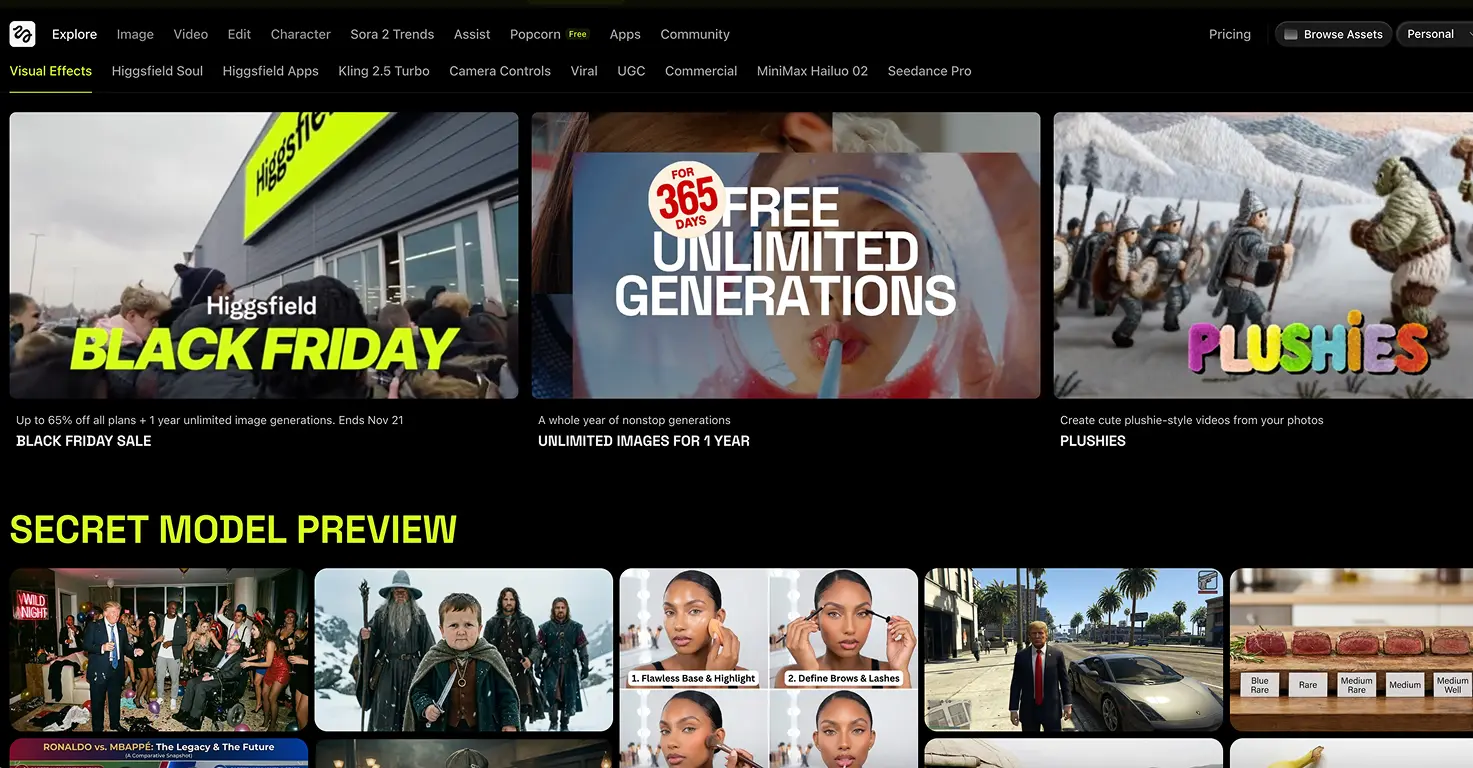
One of the easiest ways to try Kling 01 is through Higgsfield AI. If you have read our Higgsfield AI review, you know the platform aggregates multiple AI video models in one interface.
Higgsfield has already integrated Kling 01, meaning you can access these new capabilities through a familiar platform. This is particularly valuable because:
- Single subscription covers multiple AI models
- Consistent interface across different tools
- Credit system lets you try different models without separate accounts
- Platform handles the technical complexity
For families already using Higgsfield for tools like Nano Banana Pro, adding Kling 01 to your workflow is seamless.
Pricing and What I Paid
I signed up for a Pro subscription directly with Kling AI, which cost $222 (around €192). This gives me 3,000 credits per month, which works out to approximately 15,000 images or 150 standard videos.
Here is how the credit costs break down:
- Each 5-second video normally costs around 40 tokens
- As a launch promotion for Kling 01, videos currently cost only around 30 tokens
- 10-second videos cost roughly double the 5-second rate
The Pro tier makes sense if you plan to create regularly. For occasional use or testing, the free tier or Higgsfield access might be more practical. Through Higgsfield, Kling 01 costs 10 tokens per generation at standard quality, which could be more economical depending on your usage patterns.
For families wanting to experiment without a major commitment, start with free credits to understand the workflow before investing in a subscription.
Family-Friendly Use Cases I Am Excited About
I am already planning several family projects using Kling 01's capabilities. Here are some ideas that would be genuinely engaging for kids:
Combining Cartoon and Real-Life
Imagine taking video of your kids and transforming them into animated characters, or compositing them into their favorite cartoon worlds. Kling 01's style transfer and background replacement make this achievable.
Restyling Videos to Animations
Home videos transformed into animated shorts. Birthday parties, family holidays, everyday moments turned into stylized animations the kids will love watching over and over.
Video Creative Effects
Add superpowers, magical effects, and impossible scenarios to ordinary footage. Kids absolutely love seeing themselves do things that are not possible in real life.
Multiple Characters in One Video
With support for up to 7 reference images, you can create videos featuring multiple family members, pets, or fictional characters all interacting together consistently.
What This Means for Families
Kling 01 represents a significant leap forward in accessible AI video creation. Features that would have required professional VFX artists and expensive software are now available to anyone willing to learn the tools.
For families exploring AI creativity together, this opens up projects that simply were not possible before. The combination of quality, control, and creative flexibility makes Kling 01 worth paying attention to.
I will be creating some family projects using these new capabilities over the coming weeks. Stay tuned for hands-on guides showing exactly what is achievable and how to get the best results with kids of different ages.
In the meantime, if you want to start exploring, check out our Kling AI review for the basics, or head to Higgsfield AI to try Kling 01 through their integrated platform.