ChatGPT Images 2.0 vs Grok Imagine for Kids (2026)
ON THIS PAGE
Subscribe To Get Weekly Family AI Discoveries

- ChatGPT Images 2.0 is the safer default for families, with proper parental controls, age detection, and content filters built in
- Grok Imagine is a more capable animation tool, but the wider Grok app is rated not safe for teens by Common Sense Media
- Grok Imagine must be a parent-operated tool, not something you hand to a child, because Spicy mode and the Ani companion are one tap away
- ChatGPT Images 2.0 wins on text in images, reasoning, and polish. Grok wins on cost, throughput, and short-video animation
- For most families, ChatGPT Images 2.0 is the right starting point. Bring in Grok Imagine only for specific animation projects, under full supervision
If you have been seeing both ChatGPT Images 2.0 and Grok Imagine pop up in your feed, you are probably asking the same question I was: which one is actually safe enough to use with kids in the house?
I have been testing AI image tools with my three kids (ages 3, 6, and 8) for over a year now, and these two tools are genuinely not playing the same game. One is a polished, family-friendly image generator with parental controls baked in. The other is a powerful animation tool sitting inside an app that Common Sense Media has publicly rated not safe for teens.
In this guide I will break down exactly how ChatGPT Images 2.0 and Grok Imagine compare on safety, features, cost, and real family use. I will share what worked, what did not, and the exact rules we use in our house so you can decide which tool (if any) belongs in your family workflow.
Not sure which tool is right for your child?
Take our free 2-minute quiz and get personalized AI tool recommendations based on your child's age and interests.
What These Two Tools Actually Do
Before the comparison, a quick grounding. These are different products even though people keep putting them head to head.
ChatGPT Images 2.0 is OpenAI's latest image generator, built into ChatGPT and accessed through the same chat you already use for homework help. You type a prompt, it returns up to 8 images with strong text rendering, multiple aspect ratios, and a thinking mode that can fact-check itself using web search. Think posters, infographics, illustrations for school projects, birthday cards, branded sets.
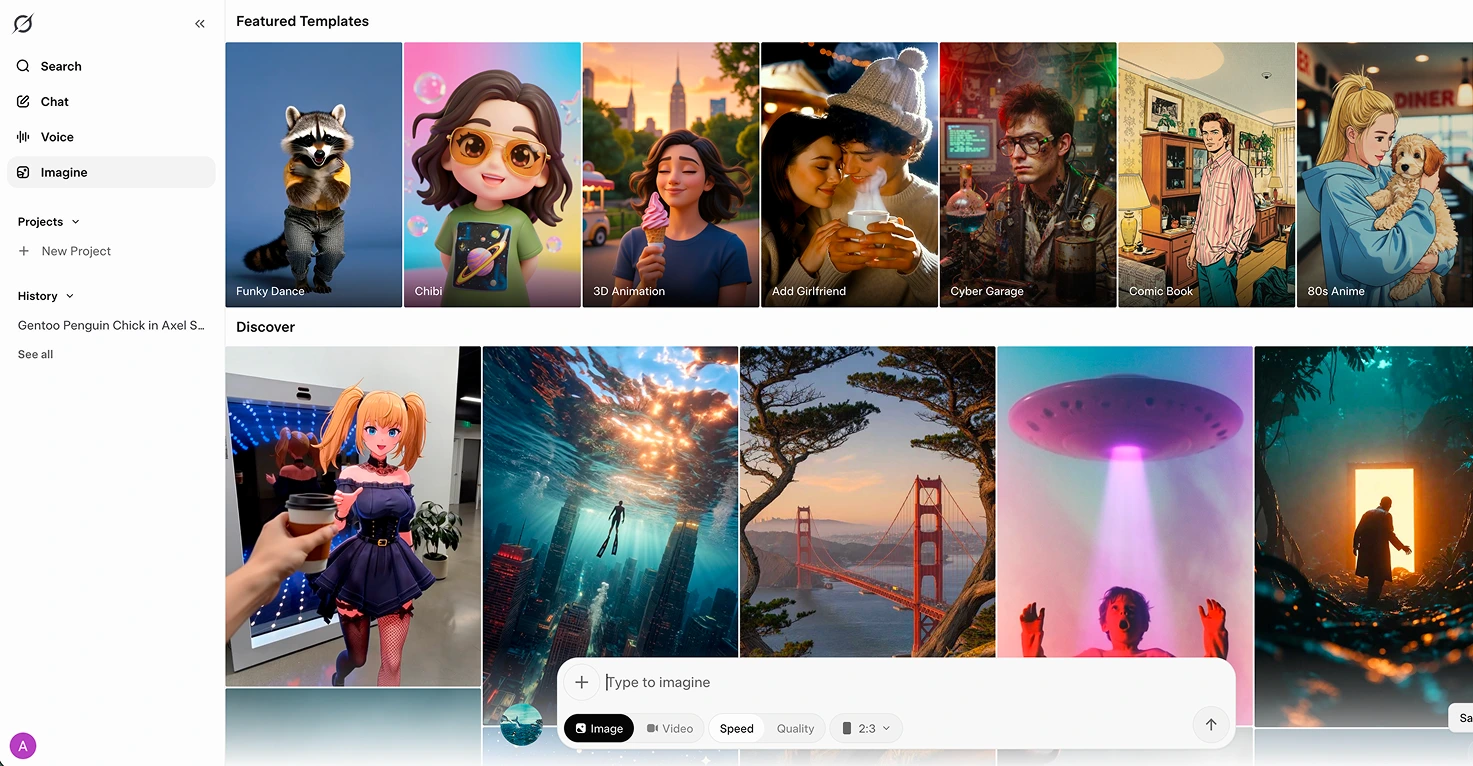
Grok Imagine is xAI's image and short-video tool, built on the Aurora model and accessed through the Grok app, grok.com/imagine, or X. Its standout feature is image-to-video: upload a still picture, add a motion prompt, and Grok produces a 6 or 10 second clip at 720p with native synchronized audio. See our full Grok Imagine breakdown for the details.
So one is primarily a still image generator with reasoning. The other is an animation tool that turns existing images into short video clips. That distinction matters before we get to safety.
Head-to-Head at a Glance
| Factor | ChatGPT Images 2.0 | Grok Imagine |
|---|---|---|
| Primary output | Still images | Image-to-video clips |
| Parental controls | Yes, linked accounts + age detection | None (parent-operated only) |
| Content safety | Strong, teen-safe defaults | Weak, Spicy mode in-app |
| Common Sense Media | Usable with supervision | Not safe for teens |
| Text in images | Excellent (multi-language) | Basic |
| Cost per image | ~$0.21 (high quality) | $0.02 standard / $0.07 pro |
| Free tier | Yes (limited generations) | Yes, via X/Grok account |
| Aspect ratios | 3:1 to 1:3 (flexible) | 5 fixed presets |
| Best for families | Daily creative projects | Occasional animation projects |
ChatGPT Images 2.0 for Family Use
ChatGPT Images 2.0 is the version I am comfortable having open on a device in the kitchen while the kids are around. That matters more than any feature comparison.
What Works for Families
- It lives inside an app with real parental controls. OpenAI rolled out linked parent/teen accounts in September 2025 and automatic age detection in January 2026. Neither is perfect, but compared to Grok they are a different universe.
- Text inside images actually works. When my 8-year-old wanted a poster for his science project with "The Water Cycle" as a title and four labelled stages, ChatGPT Images 2.0 produced something he could print and hand in. This is the feature that surprised me most.
- Thinking mode checks itself. For Plus and Pro subscribers, thinking mode performs web searches and fact-checks the output. Useful when an 8-year-old asks for "all the planets in order" and you would rather not hand in a poster with Pluto still included by mistake.
- Multiple consistent images in one go. You can generate up to 8 images that keep the same visual style. Great for comic-style school projects or a set of illustrations for a short story.
Where It Falls Short
- Cost at scale is real. Roughly $0.21 per high-quality 1024x1024 image. Not a problem for family use (you will generate a handful per week, not thousands), but worth knowing.
- No animation. Stills only. If you want to bring an image to life, you need a second tool, which is exactly where Grok Imagine enters the picture.
- Free tier caps are tight. Heavy weekend projects will push you into the paid tiers quickly.
💡 Parent Insight: The feature that sold me on ChatGPT Images 2.0 for family use is not image quality. It is the fact that I can link my 8-year-old's supervised account to mine, set quiet hours, and get safety alerts. Image tools without that layer are a harder sell once you have kids.
Grok Imagine for Family Use
Grok Imagine is genuinely impressive as an animation tool. It is also the one I will not install on a device a child can unlock.
Where It Shines
- Image-to-video animation at 720p with native audio. Upload a still picture, write a short motion prompt, and 20 seconds later you have a clip with ambient sound, effects, and even lip-sync built in. I tested this by animating illustrations from one of my 3-year-old's favourite Julia Donaldson picture books (the full walkthrough is in our picture book animation guide). She was captivated watching a page she knew by heart start moving.
- Extend from Frame for longer sequences. Chain 10 second clips together and you can build a 40 or 60 second short film from a single picture book scene.
- Aggressive pricing. $0.02 per standard image, $0.07 per pro image. Far cheaper if you are generating at volume.
The Safety Problem You Cannot Ignore
This is the part most tool comparisons skip, so I am going to be blunt.
- Common Sense Media has rated Grok not safe for teens. Not "use with caution", not "supervise carefully". Not safe.
- Spicy mode sits next to Normal and Fun inside Imagine itself. One wrong tap in the same interface where you are animating a picture book unlocks adult content.
- The Ani companion in the wider Grok app enables NSFW roleplay. If a child opens the Grok app on your phone, they are three screens away from that.
- Nonconsensual deepfakes on the platform have been widely documented. Even if your child never generates anything inappropriate, the cultural context of the product matters.
🔒 Safety Note: Grok Imagine is not a tool you give a child. It is a tool you, the parent, use privately to produce a video you then show them. That is the only setup I am comfortable with, and it is how the Julia Donaldson animation testing worked in our house.
The Safety Gap You Need to Understand
If you only take one thing from this post, take this:
ChatGPT Images 2.0 and Grok Imagine are not in the same safety category, and it is not close.
ChatGPT Images 2.0 has parental controls, age prediction, content filters, and a clear under-13 policy. It is not perfect (I have seen it produce occasional off-brief output that needed regenerating), but the guardrails are real and getting better every quarter.
Grok Imagine sits inside an app that routinely fails independent safety reviews. xAI's moderation approach is looser by design. Elon Musk has publicly framed this as a feature, not a bug. For adults making adult decisions, fine. For families, it means you cannot treat Grok the way you treat ChatGPT.
Put another way: I let my 8-year-old sit next to me while I type a prompt into ChatGPT Images 2.0. I do not let him see the Grok app at all. He sees the finished video I export from it.
Which Should You Choose
Choose ChatGPT Images 2.0 if...
- You want a single tool for family image work (posters, birthday cards, school project illustrations, story art)
- Your child will be present, watching, or suggesting prompts while you generate
- Text inside images matters (labels, titles, signs, infographics)
- You are already paying for ChatGPT Plus or Pro, or the free tier covers your needs
- You want parental controls that actually exist
Choose Grok Imagine if...
- You specifically want to animate still images into short video clips
- You are the only one operating the tool (child never touches the app)
- You are doing it from a device your child cannot unlock
- You are willing to pair it with a separate image tool like Nano Banana 2 for the source stills
- You understand and accept the safety caveats above
Use Both if...
This is actually the setup we have landed on. ChatGPT for daily creative work and still images. Grok Imagine brought in carefully, under full parent control, for specific animation projects. The two tools play different roles and do not really compete.
Our Family's Workflow
Here is how it looks in practice for us:
Weekday homework and school projects: ChatGPT Images 2.0 on my account, with my 8-year-old next to me describing what he wants. He writes the prompt in his own words, I type it, we critique the output together, regenerate if needed. Total time per image: 3 to 5 minutes. He learns prompt writing without touching a device he cannot yet handle safely.
Weekend creative projects: Same ChatGPT workflow, but with my 6-year-old leading for things like a birthday card for her grandmother or coloring pages she wants to colour in. See our custom coloring pages guide for the coloring pages setup (we use it with ChatGPT Images 2.0 too now).
Animation projects (occasional): I generate stills in ChatGPT Images 2.0 or Nano Banana, then I (alone, after the kids are in bed or on a separate device) upload them to Grok Imagine and produce the 6 or 10 second clips. Kids see the finished video the next morning. This is exactly the flow we used for the picture book animation project.
💡 Pro Tip: If you are going to use Grok Imagine at all, log out of the wider Grok app after every session and clear the conversation history. Treat it like you would any tool in your house with adult mode content. Do not leave it unlocked.
What Worked in Our Testing
ChatGPT Images 2.0 on a poster with text
My 8-year-old needed a habitat poster for school. We described four habitats, asked for four labelled scenes in one consistent style, and got something he was genuinely proud to print. Text was legible and correctly spelled, which is not a given with most image generators.
Lesson: If your project needs words inside the image, ChatGPT Images 2.0 is currently the only tool I trust on the first attempt.
Grok Imagine bringing a still illustration to life
A scene from a Julia Donaldson book, generated as a still in Nano Banana, uploaded to Grok Imagine, animated with a short motion prompt. The 3-year-old did not believe it was not the real film. The 6-year-old immediately asked which page we could do next.
Lesson: Grok Imagine's animation fidelity on illustrated source material is the best I have tested. Use it for that specific job, carefully.
What Did Not Work
Letting the 8-year-old near the Grok interface
I tested this once, supervised, to see what the experience was like. The Spicy mode button is right there next to Normal and Fun. He did not tap it, but the fact that he easily could was enough for me to draw a permanent line. From then on, Grok Imagine is a behind-the-scenes tool in our house.
Lesson: UI design matters for child safety. Grok's interface puts adult content one tap from the family-friendly features. That is a choice the product team made, and parents have to work around it.
Using ChatGPT Images 2.0 for animation
I briefly hoped OpenAI would add animation to Images 2.0 before Grok Imagine launched. It has not. If you want video, you need a second tool. Trying to workaround this with frame-by-frame stills was a waste of an evening.
Lesson: Pick the right tool for the job. ChatGPT for stills, Grok (carefully) for animation, or a dedicated video tool like Kling AI.
The Bottom Line
For most families, ChatGPT Images 2.0 is the correct default. It is the tool you can have open on a shared device with kids around, with proper parental controls, age detection, and teen-safe defaults doing real work in the background. Start here.
Grok Imagine is a specialist tool. It is genuinely excellent at image-to-video animation, and if that specific capability matters for a project, it is worth using. But only as a parent-operated tool, on a device your child cannot unlock, with the understanding that the wider Grok ecosystem is not family-friendly.
Do not treat these two as interchangeable just because they both generate images. The safety gap is wider than the feature gap.
If you want the full feature list and our month-by-month testing on the still image side, check out our upcoming 6 weekend activities breakdown. For the animation side, our Grok Imagine review covers the setup we use in detail.
Want weekly honest reviews of AI tools tested with real kids? I try 2 or 3 new tools every week and share what actually works, what does not, and the specific safety settings we use. Join hundreds of parents on the newsletter for reviews, family project ideas, and safety guides you can use today.


.webp)