7 AI Skills Every Kid Should Learn in 2026 (With Practice Exercises)

ON THIS PAGE
Subscribe To Get Weekly Family AI Discoveries

- Prompt clarity is the new literacy - Kids who communicate precisely get dramatically better results from every AI tool they use
- AI lies confidently - Teaching kids to fact-check AI output is more important than teaching them to use it in the first place
- Different tools for different jobs - Knowing which AI to use matters more than mastering any single one
- Direct, don't just generate - Kids should be the creative boss, with AI as the assistant that executes their vision
- Knowing when NOT to use AI - The most important skill on this list protects against over-reliance and preserves critical thinking
Last month, I watched my 8-year-old Mateo ask ChatGPT a question he already knew the answer to.
He wasn't cheating on homework. He was just... lazy. The question was simple: "What's 15% of 80?" He'd learned percentages two weeks earlier. He could do this math. But reaching for AI was easier than thinking.
That moment crystallized something I'd been sensing for months. After 500+ hours testing AI tools with my three kids (ages 3, 5, and 8), I realized the problem isn't that kids don't know how to use AI. It's that they don't know how to use it well.
Most kids treat AI like a magic answer machine. Ask question, get answer, done. But the kids who will thrive in 2026 and beyond are developing specific skills that transform AI from a crutch into a creative superpower.
I've identified seven of these skills through our family testing. They're not abstract "future skills" you can't measure. They're concrete abilities your child can practice this weekend using free tools. Each skill includes a real example from our testing, a practice exercise, and age-specific guidance.
If you're still deciding whether to let your kids use AI at all, I understand that hesitation. I had it too. But with two-thirds of students already using these tools multiple times per week, I've found the better question isn't whether but how. These skills are my answer to that question.
One note before we dive in: Skill 7 might be the most important on this list. But you need the foundation of the first six skills before it fully makes sense. Keep reading to the end.
Not sure which tool is right for your child?
Take our free 2-minute quiz and get personalized AI tool recommendations based on your child's age and interests.
Skill 1: Prompt Like You Mean It
The skill: Writing clear, specific instructions that get better AI results.
Here's something I learned watching my kids use AI: vague instructions produce garbage. My 5-year-old Maria once asked an image generator for "a pretty picture." She got a blurry mess of colors that looked like nothing. But when she said "a princess with a rainbow dress riding a flying unicorn over a castle made of clouds," she got exactly what she imagined.
The difference in her face told the whole story. First attempt: confusion and disappointment. Second attempt: pure wonder. Same tool, same kid, completely different outcome. The only variable was how clearly she communicated what she wanted.
That's the difference prompt clarity makes. And it's becoming one of the essential AI skills for kids to develop early.
Why This Matters
Every AI tool responds to how you communicate with it. Kids who learn to be specific, descriptive, and clear will get dramatically better results than kids who type "make it cool" and hope for the best.
The bonus? This skill transfers directly to school writing. Descriptive language, concrete details, precise vocabulary. The same things English teachers have been asking for, now with immediate visual feedback.
Real Example From Our Testing
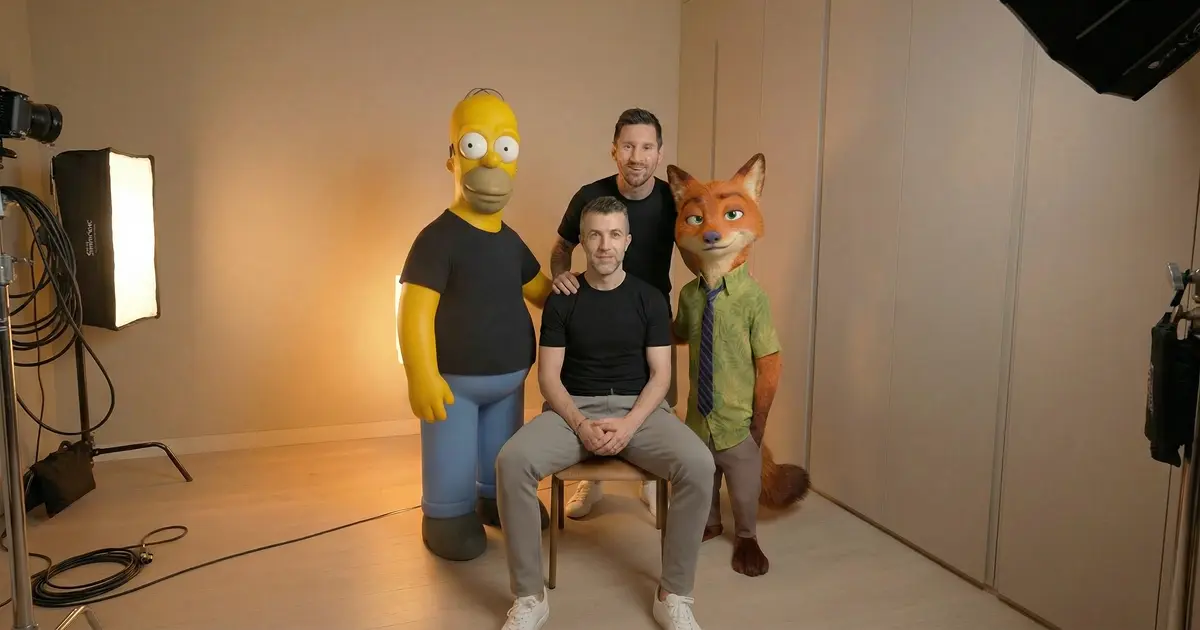
When Mateo (8) created his celebrity selfie video project, his first prompts were generic. "Messi looking at the camera." The results were okay but not convincing. When he refined to "Lionel Messi in PSG jersey, smiling warmly, stadium lights in background, photo taken on iPhone, slightly overexposed" the quality jumped dramatically.
He learned that AI rewards specificity. Every detail you add steers the result closer to your vision.
How to Practice
- Play "prompt improvement" - Start with a vague prompt, generate a result, then improve the prompt together and compare
- Add five details - Before submitting any prompt, ask: "Can we add five more specific details?"
- Describe before generating - Have your child verbally describe exactly what they want before touching the keyboard
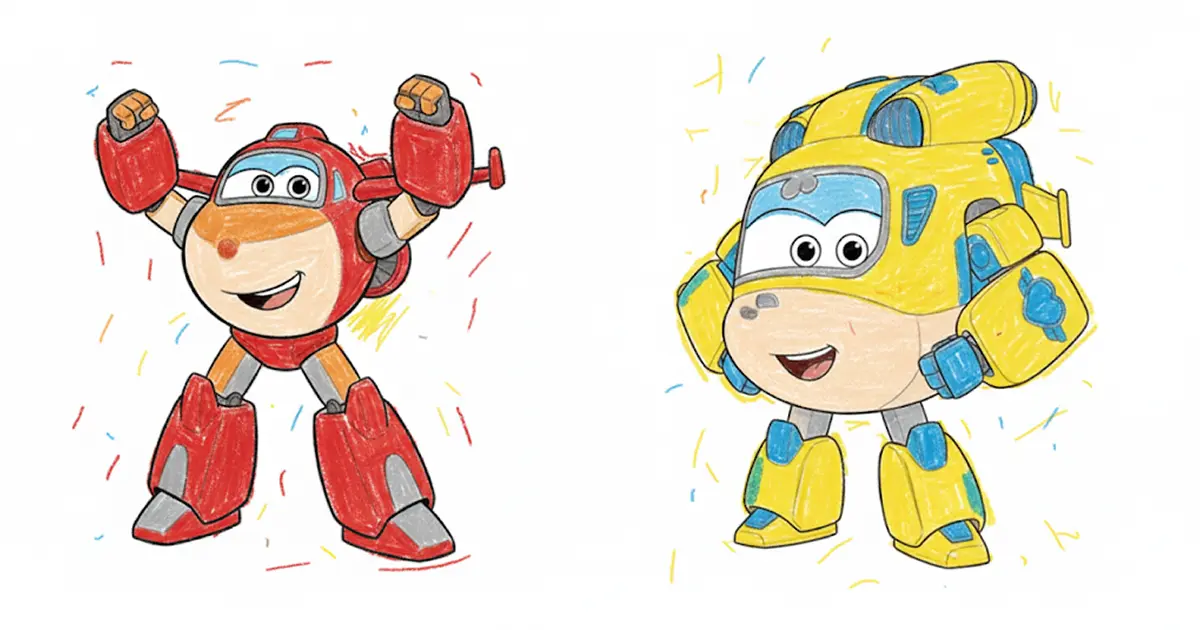
Practice exercise: Try our custom coloring pages project. Have your child describe their dream character in as much detail as possible before generating. Compare results from vague vs specific descriptions.
Age Guidance
- Ages 5-7: Parent types while child describes verbally. Focus on adding details through questions: "What color? How big? What's happening?"
- Ages 8+: Child writes prompts independently, parent coaches on specificity and refinement
Tools to practice with: ChatGPT, Midjourney, Suno, Leonardo AI
Skill 2: Fact-Check Everything
The skill: Knowing AI can be confidently wrong and verifying important information.
This might be the most important foundational skill on this list. AI tools don't hedge. They don't say "I'm not sure about this." They state incorrect information with the same confidence as correct information. And kids naturally trust authoritative sources.
Why This Matters
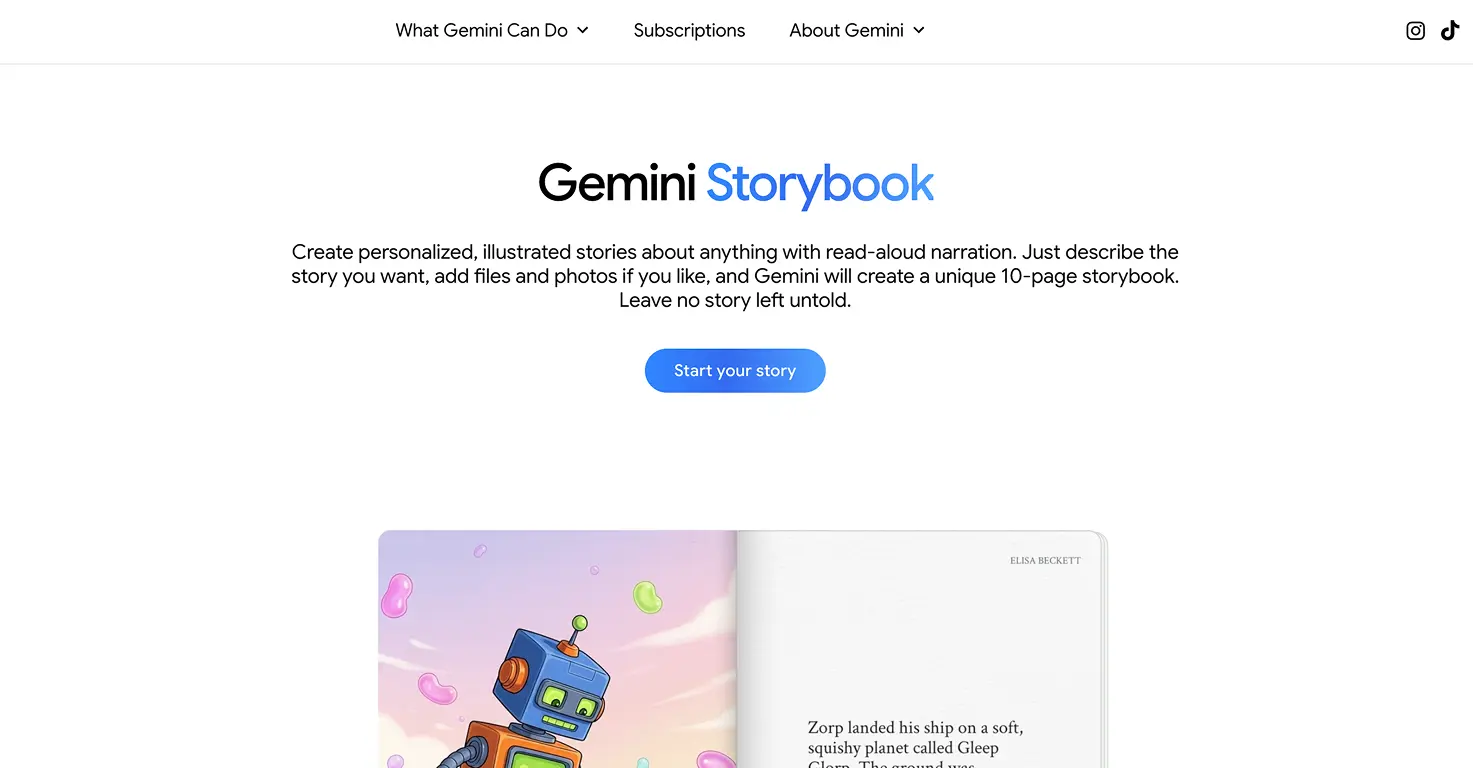
Maria (5) created a Gemini storybook about penguins exploring Antarctica. The AI included a "fact" that penguins hibernate during winter. It sounded plausible. It was stated confidently. It was completely wrong.
We caught it because we fact-check everything together. But here's what worried me: she believed it immediately. No hesitation. If the AI said it, it must be true.
When I explained the AI made a mistake, she looked genuinely confused. "But it's a computer," she said. "How can it be wrong?"
That question led to one of the best conversations we've had about AI. Now she approaches AI output with healthy skepticism. That instinct, questioning rather than accepting, is one of the most valuable AI skills for kids to develop.
How to Practice
- Make it a game: "Let's fact-check this together!" Turn verification into detective work, not a chore
- The five facts challenge: Ask AI for five facts about a topic, then verify each one together using a second source
- Error hunting: Have AI generate a story with "facts" embedded, then hunt for errors as a family activity
For high-stakes research, I use three verification prompts from NotebookLM: Where do sources disagree? What's missing from coverage? What alternative viewpoints aren't represented?
Practice exercise: Try our NotebookLM educational podcast project. It includes the verification workflow we use to catch errors before they become "facts" in our kids' heads.
Age Guidance
- Ages 5-7: "Is this really true? Let's find out together!" Keep it playful and curious
- Ages 8+: Introduce independent fact-checking with second sources. Make verification a habit before accepting any AI claim
Tools to practice with: NotebookLM, ChatGPT, Gemini Storybook
Skill 3: Pick the Right Tool
The skill: Knowing which AI tool works best for which job.
ChatGPT is terrible at making images. Suno can't write essays. Midjourney won't generate music. Every tool has strengths and weaknesses, and knowing which to use prevents frustration before it starts.
This is one of those AI skills for kids that seems obvious to adults but isn't intuitive to children. They often assume "AI" is one thing that can do everything.
Why This Matters
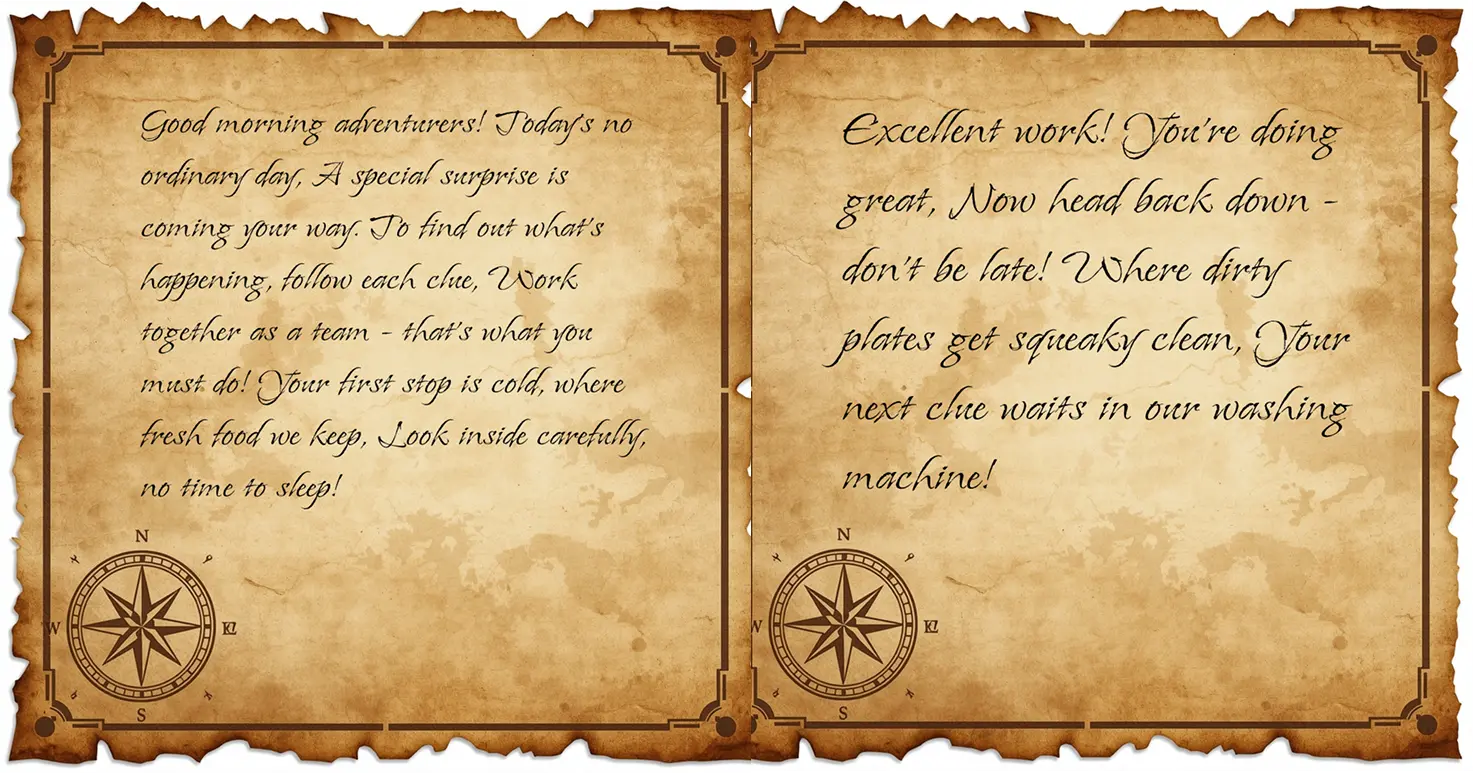
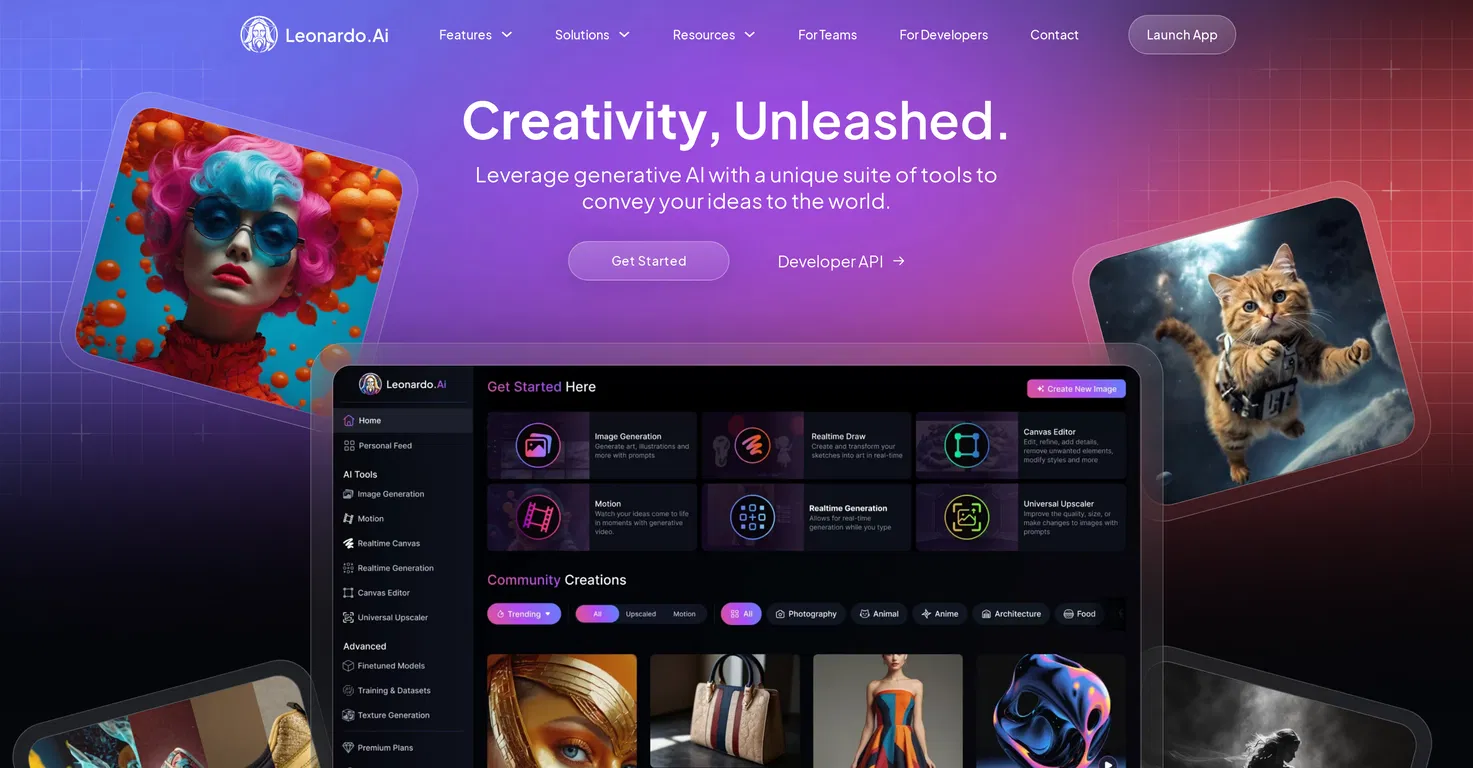
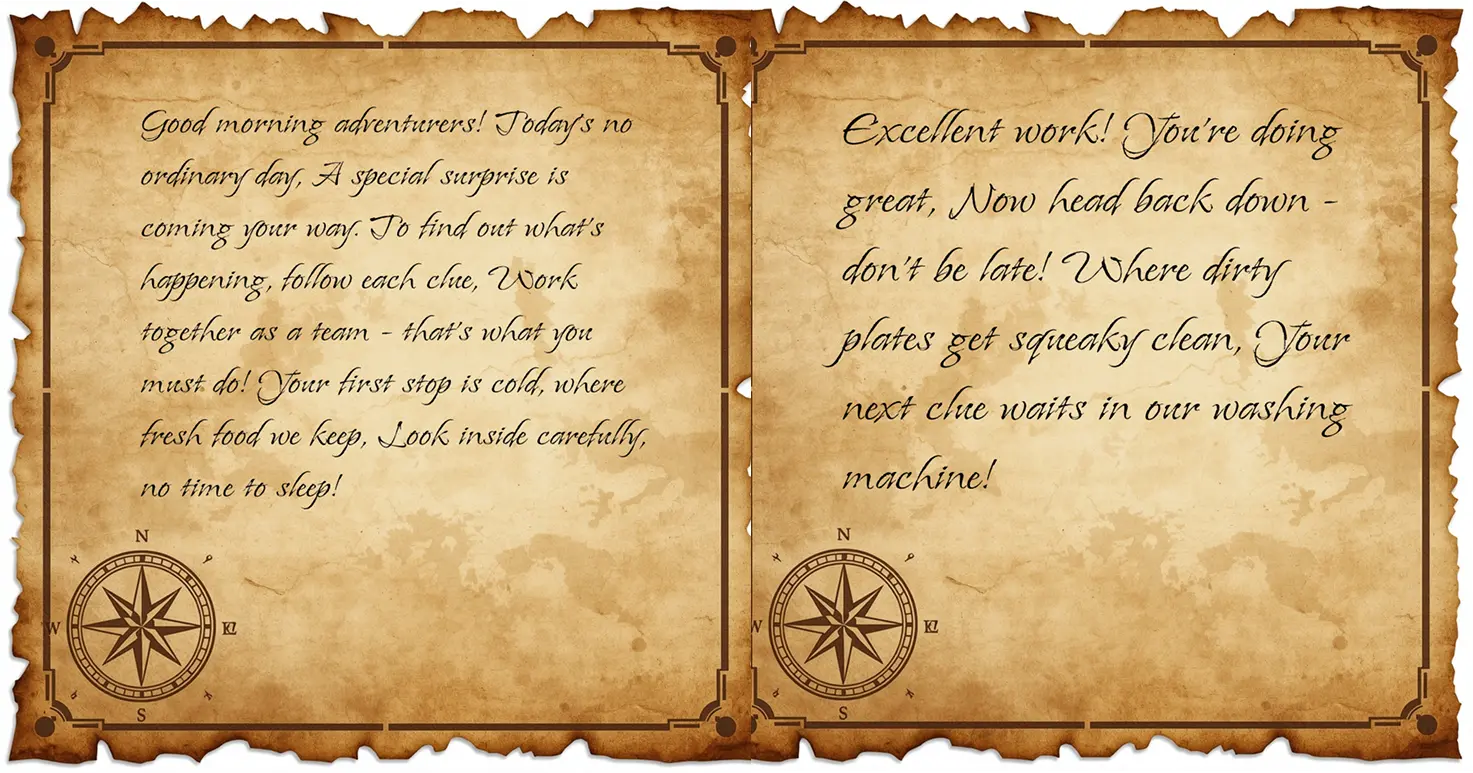
When we created our family treasure hunt, we used two different tools: Leonardo AI for the aged parchment treasure map and ChatGPT for the rhyming clues. Using the right tool for each part made the project work. Using the wrong tool would have created frustration.
This is a meta-skill that applies beyond AI. Choosing the right tool for the job is something kids will use their entire lives.
A Simple Framework
Make music or songs: Suno, Udio
Make images or art: Leonardo AI, Midjourney, Nano Banana
Make videos: Kling AI, Higgsfield
Get answers or explanations: ChatGPT, Claude
Learn something new: NotebookLM
Make stories for younger kids: Gemini Storybook, LittleLit
How to Practice
- Before any project: "What's the best tool for this?" Make tool selection the first conversation
- Tool comparison: Try the same task in two different tools, compare results together
- Match game: Describe a project, have your child guess which tool(s) would work best
Practice exercise: Browse our AI tools directory together. For each project idea your child mentions, discuss which tool might work best and why.
Age Guidance
- Ages 5-7: Parent guides tool selection while explaining reasoning out loud
- Ages 8+: Child proposes the tool, parent asks questions about the choice
Skill 4: Chain Tools Together
The skill: Connecting multiple AI tools to create bigger projects.
Real creative projects rarely use just one tool. Our video projects typically chain together image generation, video animation, and sometimes music. Understanding how tools connect unlocks projects that single tools can't achieve.
Why This Matters
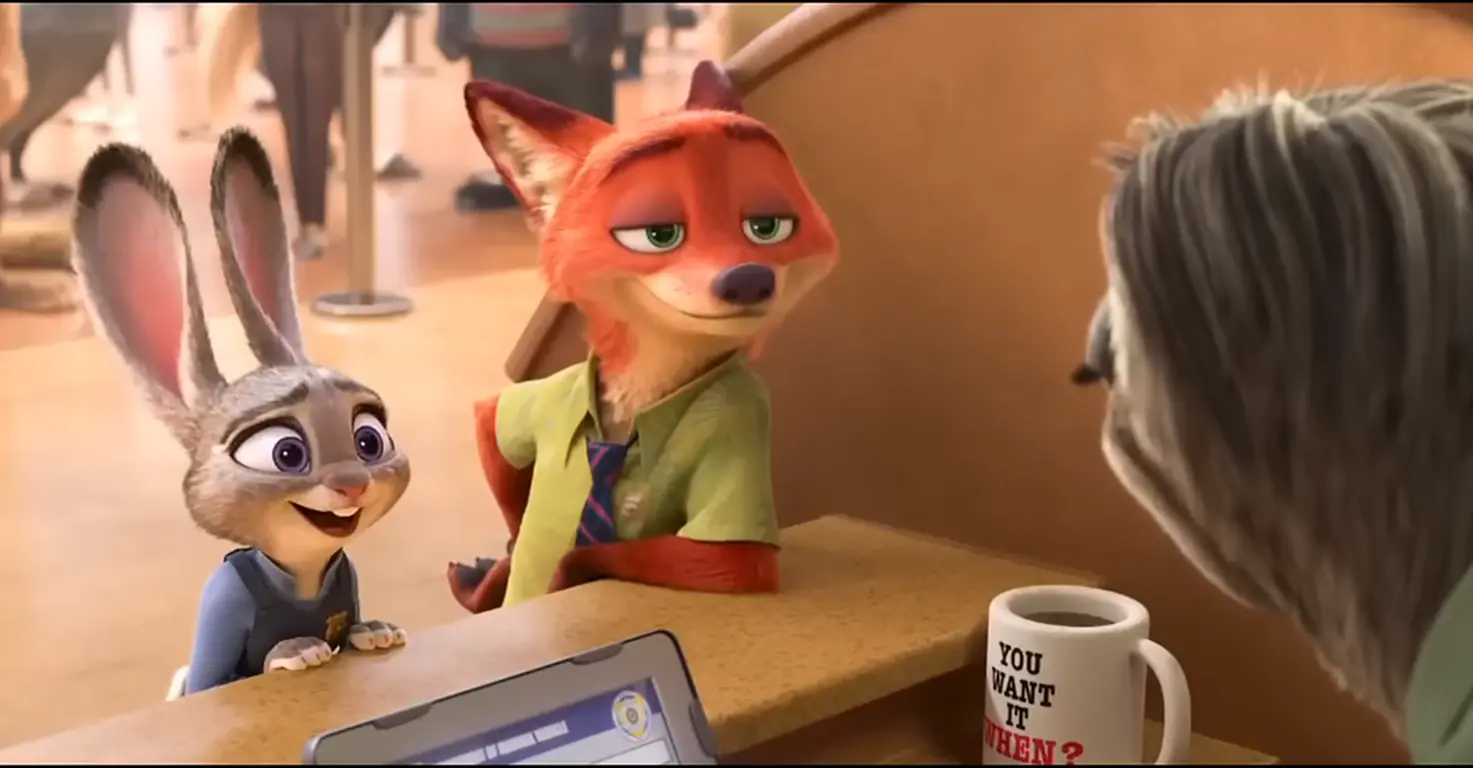
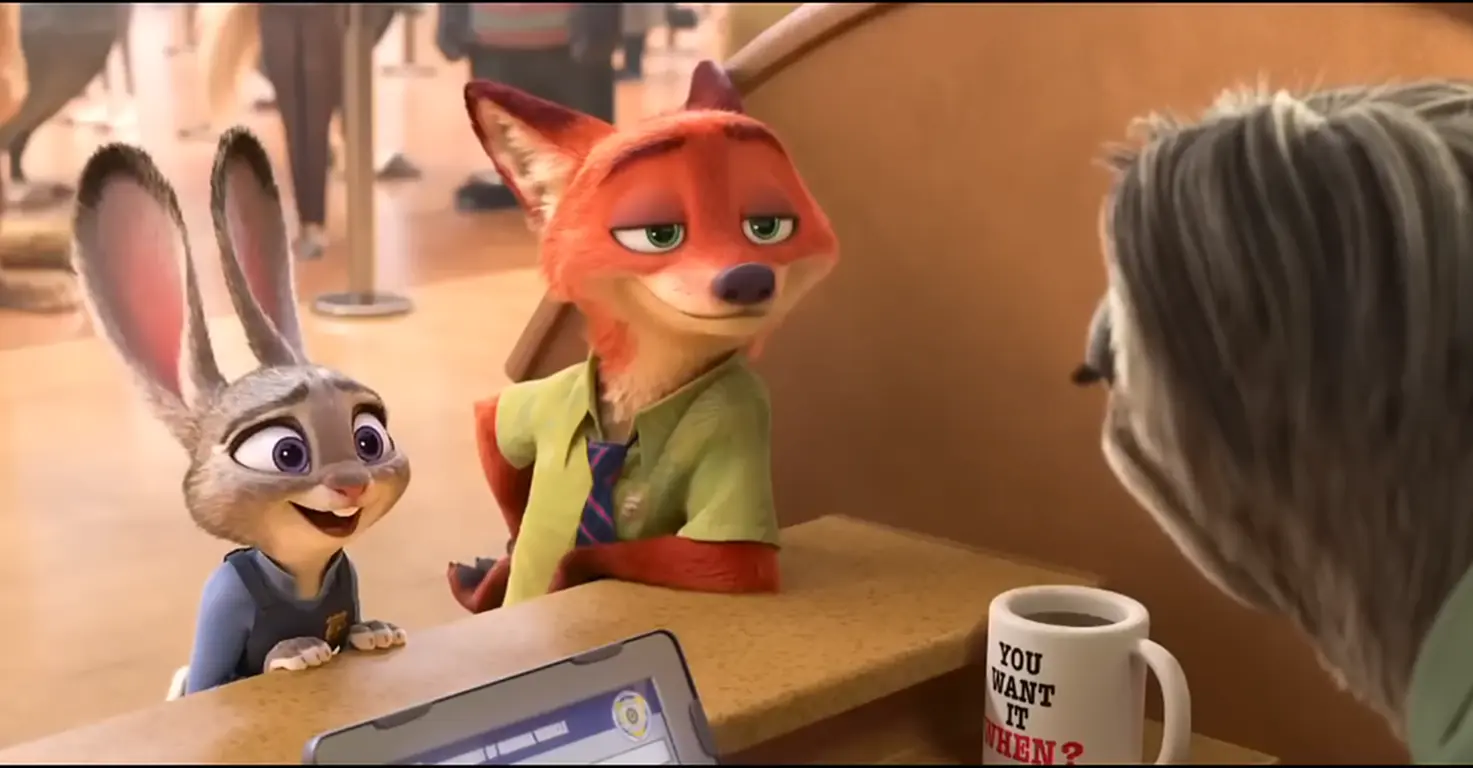
For our Zootopia style transfer project, we started with a movie screenshot, transformed it through an image AI to change the art style, then animated the result. Three tools, one cohesive project.
What surprised me was how naturally Mateo took to this kind of thinking. By the third step, he was already planning ahead: "After we animate this, can we add music from Suno?" He wasn't just following instructions anymore. He was designing workflows.
Maria, at 5, understood it differently. She saw it as "making the picture go on an adventure." First stop: make it look like a painting. Second stop: make the painting move. The metaphor worked for her, even if the technical understanding wasn't there yet.
This is "orchestration" thinking. Adults use it for work automation. Kids can learn it through creative projects. The skill transfers far beyond AI.
How to Practice
- Map before making: Before starting a project, draw out the steps. "First we'll use X to create the image, then Y to animate it, then Z to add music."
- Start with two-tool chains: Image to video is the simplest. Once that's comfortable, add a third tool.
- Document the workflow: Write down what you did so you can repeat it
Practice exercise: Try our movie character transformation project. It chains photo upload, style reference, and video animation into a single workflow kids love.
Age Guidance
- Ages 5-7: Parent manages the workflow, child contributes creative input at each step. Use simple metaphors like "the picture's adventure"
- Ages 8+: Child helps plan the workflow, parent provides guidance on tool connections
Skill 5: Direct, Don't Just Generate
The skill: Being the creative director, with AI as the assistant that executes your vision.
AI can generate infinite content. Images, music, stories, videos. Endless output at the push of a button. But that's exactly why judgment becomes the bottleneck. Knowing what to create matters more than how to create it.
Why This Matters
The kids who thrive with AI won't be passive consumers waiting for the machine to entertain them. They'll be creative directors who have a vision and use AI to execute it.
When Maria makes coloring pages, she describes what she wants. The AI draws it. She colors it. Her imagination drives the process. The AI just executes.
When Conor (3) needed a story to prepare for his first day at playschool, he told us what worried him. We directed Gemini to address those specific fears. The story existed because of his input, not despite it.

How to Practice
- Vision first, always: Before any AI tool opens, ask: "What do YOU want to make?"
- Sketch before generating: Have kids draw or describe their idea first, then use AI to execute it
- Review together: "Is this what you wanted? What would you change?" Make revision normal
Practice exercise: Any family project works here. The key is starting with the child's vision, not the AI's capabilities.
Age Guidance
- All ages: The human vision comes first. Always. This principle doesn't change with age.
Skill 6: Iterate and Improve
The skill: Understanding that first results rarely work and refining is where the real skill lives.
Most kids expect instant perfection. Ask AI for something, get the perfect result immediately. That's not how it works. First attempts are usually mediocre. The skill is knowing how to improve them.
Why This Matters
In our AI age preparation testing, I generated 16 claymation images before abandoning that style entirely. The first treasure map prompt produced a generic pirate map. The second try, with refined details, created exactly what we needed.
What changed my kids' relationship with iteration was reframing failure. Mateo used to get frustrated when the first result wasn't perfect. Now he says "that's attempt one" and immediately starts thinking about what to change. That mindset shift took months of modeling, but it stuck.
Maria handles it differently. She treats each generation like opening a present. Sometimes you get exactly what you wanted. Sometimes you don't. But there's always another present to open. That framing keeps her curious rather than frustrated.
Iteration isn't failure. It's the process. Teaching kids to see it that way is one of the most transferable AI skills for kids we've practiced.
How to Practice
- Set expectations upfront: "First try probably won't be perfect. That's normal."
- Celebrate good iterations: Praise the improvement, not just the final result
- One change at a time: When refining, change one thing and see what happens
- Count the attempts: Make a game of tracking how many generations it takes to get something you love
Practice exercise: Any project with multiple generations. Track how results improve with each attempt.
Age Guidance
- Ages 5-7: Keep individual sessions short. Iterate across multiple days if needed to maintain enthusiasm. Use the "opening presents" framing.
- Ages 8+: Can handle longer iteration cycles within a single session. Introduce the concept of systematic refinement.
Skill 7: Know When NOT to Use AI
The skill: Recognizing when AI use is inappropriate, unhelpful, or harmful to learning.
This is the most important skill on this list. I mentioned it at the start, and now you understand why it needs the foundation of the other six. Once kids are comfortable using AI effectively, the critical question becomes: when should they choose not to?
Why This Matters
Remember Mateo asking ChatGPT for 15% of 80? That's the danger of getting too good at AI without this skill. The tool becomes a reflex rather than a choice.
AI reliance without boundaries causes cognitive atrophy. The mental muscles for critical thinking, creative problem-solving, and independent reasoning need exercise. Some tasks should stay human.

Our Family Rules
AI Can Help With:
- Explaining concepts you don't understand
- Brainstorming creative ideas
- Bringing your creations to life
- Preparing for new experiences
AI Cannot Do:
- Writing your homework for you
- Replacing your own thinking
- Being trusted without fact-checking
- Being used alone in your bedroom
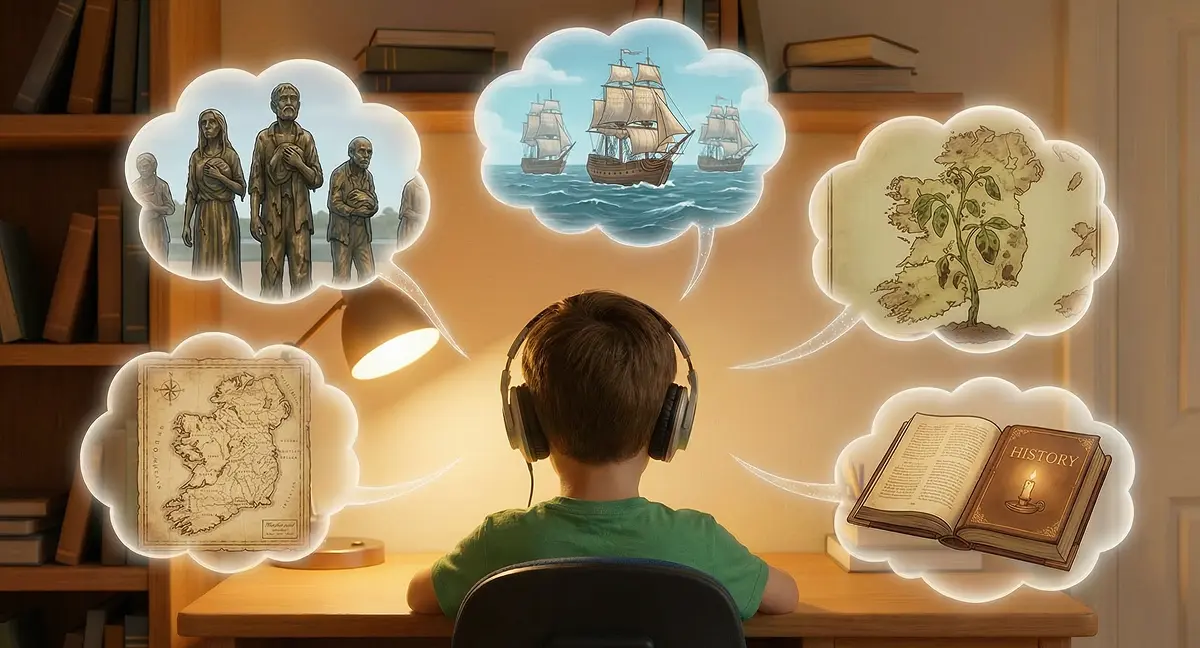
The last rule matters. We use AI at the kitchen table where I can see the screen and hear the questions. Not because I don't trust my kids, but because the teaching moments happen when I'm present. The penguin fact that was wrong? We caught it together. That's where the learning happened.
How to Practice
- Ask before using: "Could I figure this out myself? Should I?"
- Designate AI-free activities: Creative writing first drafts, math practice, reading time
- Think first, verify second: Form your own opinion, then ask AI as a sparring partner rather than an oracle
Practice exercise: This one doesn't need a project. It needs regular conversation. Make "when should we use AI for this?" a normal family discussion.
Age Guidance
- All ages: This conversation should happen regularly, not once. Rules evolve as kids grow and tools change.
Where to Start
Seven skills might feel overwhelming. Don't try to practice all of them at once. Here's my suggestion:
This weekend: Pick Skill 1 (Prompt Clarity) or Skill 2 (Fact-Checking). They're foundational. Everything else builds on clear communication and healthy skepticism.
Next month: Add Skill 3 (Tool Selection) and Skill 5 (Creative Direction). These shape how your child approaches AI projects overall.
Ongoing: Skills 6 and 7 (Iteration and Knowing When Not to Use AI) are mindsets more than discrete skills. They develop through practice and conversation over time.
The Bottom Line
These seven skills aren't about making your kid an AI expert. They're about building a healthy, productive relationship with tools that aren't going away.
The kids who thrive won't be the ones who use AI most. They'll be the ones who use it well. Who can communicate clearly, think critically, select the right tools, and know when to put them down.
I'll keep testing new tools with my kids and sharing what works. These skills will evolve as the tools do. What matters is building the foundation now.
Pick one skill. Try one exercise. Start this weekend. That's all it takes to put your child ahead of most kids who are just asking AI questions and accepting whatever comes back.
Frequently Asked Questions
What age should I start teaching my child AI skills?
There's no single right age, but our testing suggests different entry points work for different skills. Kids as young as 3-4 can participate in AI projects with heavy parent involvement (like our personalized storybooks). By ages 5-7, they can start learning prompt clarity and fact-checking with guidance. Ages 8+ can practice most skills with increasing independence. The key is matching the skill complexity to your child's developmental stage.
How do I teach my child to use AI safely?
Safety comes from supervision and conversation, not just rules. We use AI at the kitchen table where I can see screens and hear questions. We fact-check outputs together. We discuss when AI use is appropriate and when it isn't. The penguin fact-checking story in Skill 2 shows how supervised use creates teaching moments that build lasting judgment.
Will AI make my child lazy or dependent?
This is a valid concern, which is why Skill 7 (knowing when NOT to use AI) is the most important on this list. The goal isn't maximum AI use. It's appropriate AI use. We designate AI-free activities (creative writing first drafts, math practice, reading) and always ask "Could I figure this out myself?" before reaching for tools. Balance is key.
What are the most important AI skills for kids to learn first?
Start with Skill 1 (prompt clarity) and Skill 2 (fact-checking). Clear communication and healthy skepticism are foundational. Every other skill builds on these two. Once those are comfortable, add tool selection and creative direction.
How much screen time should AI projects take?
We treat AI projects differently from passive screen time. Creating a coloring page from imagination, building a video project, or making educational podcasts involves active thinking and creativity. That said, we still set session limits. For ages 5-7, we aim for 15-30 minute sessions. Ages 8+ can handle longer sessions for complex projects. The key is active creation, not passive consumption.